FastVidl

इंस्टाग्राम रील डाउनलोडर- नि:शुल्क, एचडी, कोई वॉटरमार्क नहीं

इंस्टाग्राम रील कैसे डाउनलोड करें

शेयर से सार्वजनिक रील लिंक को कॉपी करें, इसे इस पृष्ठ के शीर्ष पर स्थित बॉक्स में पेस्ट करें और डाउनलोड पर टैप करें।

  1. Open the Reel on a public profile.
  2. Tap Share → Copy link.
  3. Paste here and tap Download.
  4. Save the MP4.

आईफोन पर

रील लिंक को कॉपी करें, इस पेज को सफारी में खोलें, पेस्ट करें और डाउनलोड करें। इंस्टाग्राम का अपना रील सेव एक वॉटरमार्क जोड़ता है, फास्टविडल आपको मूल फ़ाइल देता है। ओपन शेयर शीट का उपयोग करें → फ़ोटो के लिए वीडियो सहेजें।
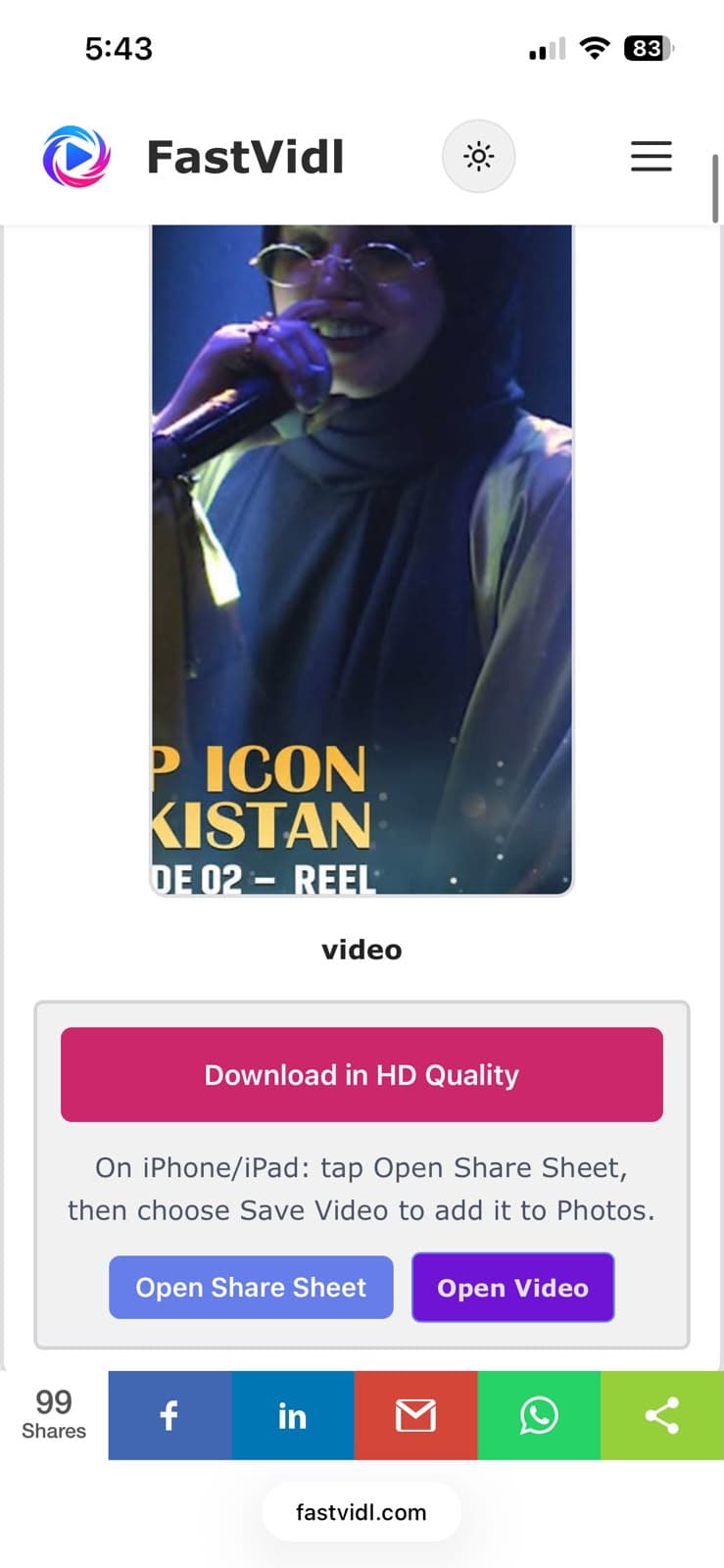
एचडी गुणवत्ता में डाउनलोड करें और iPhone पर शेयर शीट बटन खोलें
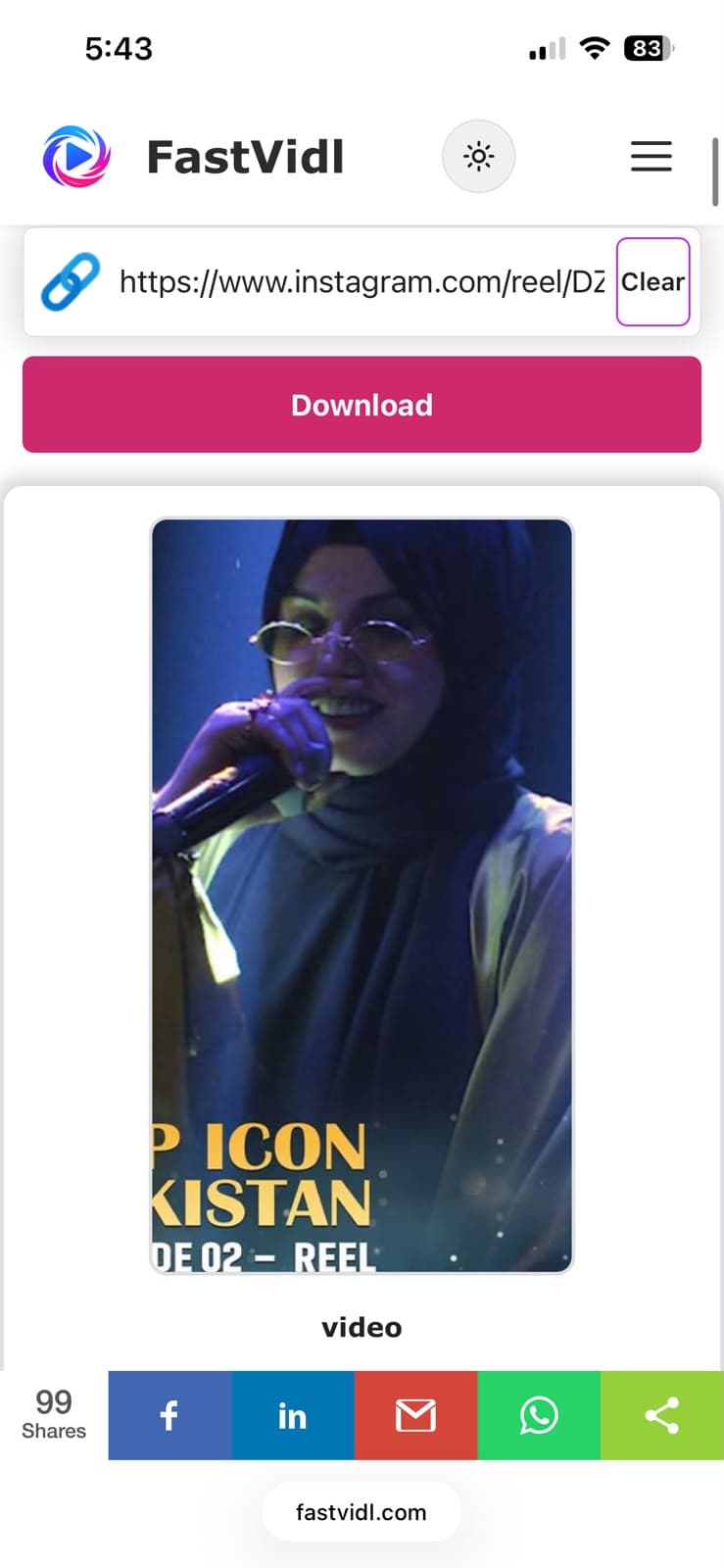
सफ़ारी में iPhone पर FastVidl डाउनलोड तैयार है
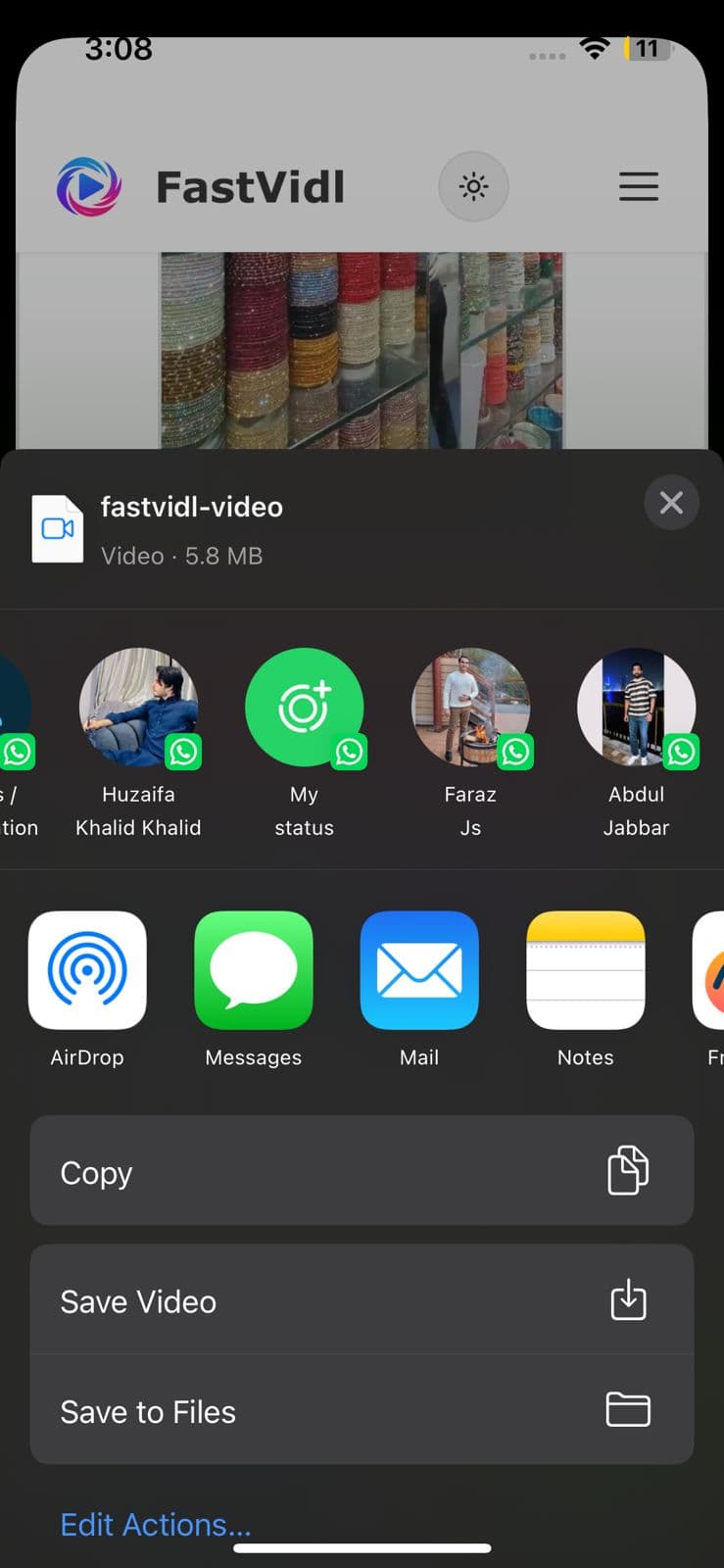
आईओएस शेयर शीट क्लिप को फोटो में सेव करने के लिए सेव वीडियो दिखा रही है

एंड्रॉइड पर

लिंक कॉपी करें, Chrome खोलें, पेस्ट करें और डाउनलोड करें। रील डाउनलोड में सहेजी जाती है और आमतौर पर आपकी गैलरी में दिखाई देती है।
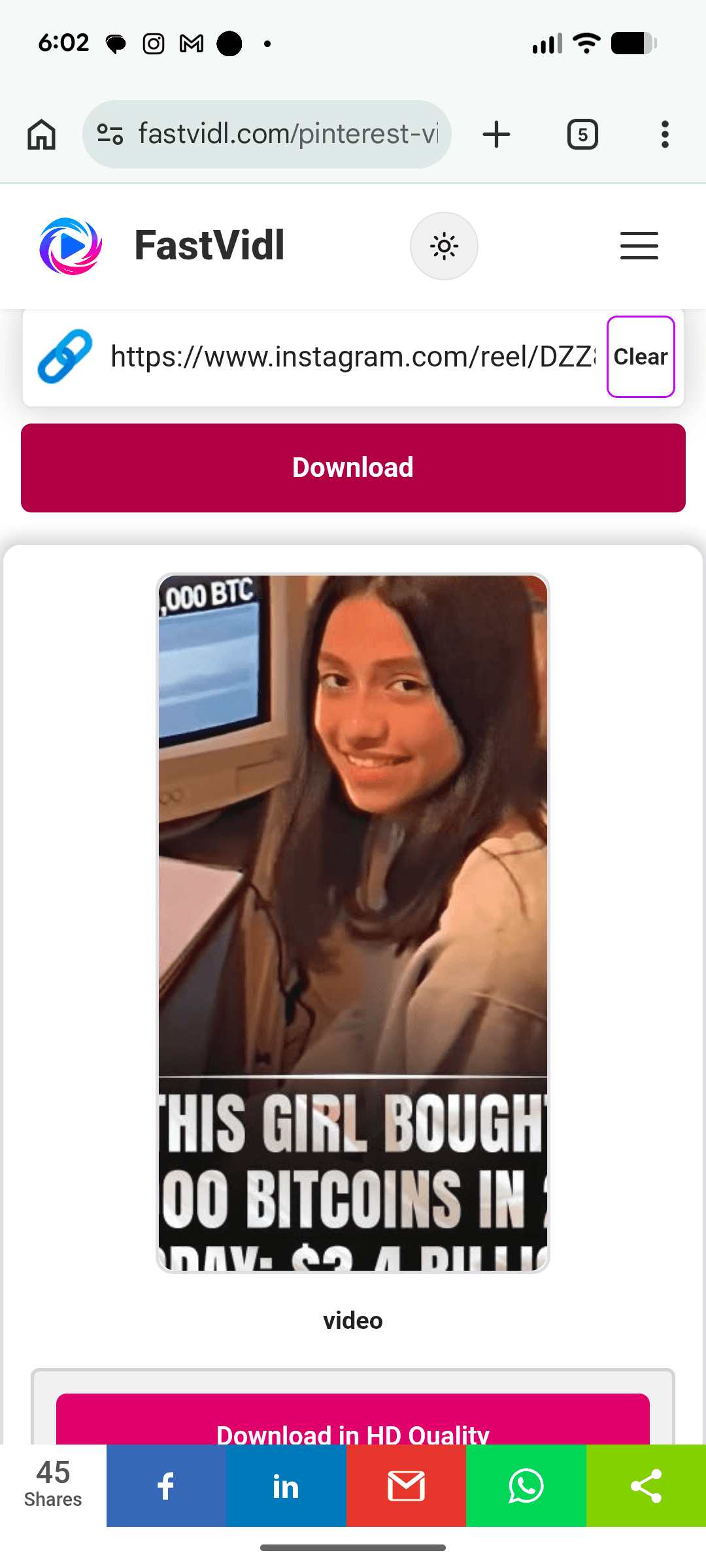
Chrome में FastVidl के साथ Android पर Instagram सामग्री डाउनलोड करना

विंडोज़ या मैक पर

बॉक्स में एक सार्वजनिक रील URL (instagram.com/reel/…) चिपकाएँ और डाउनलोड पर क्लिक करें।
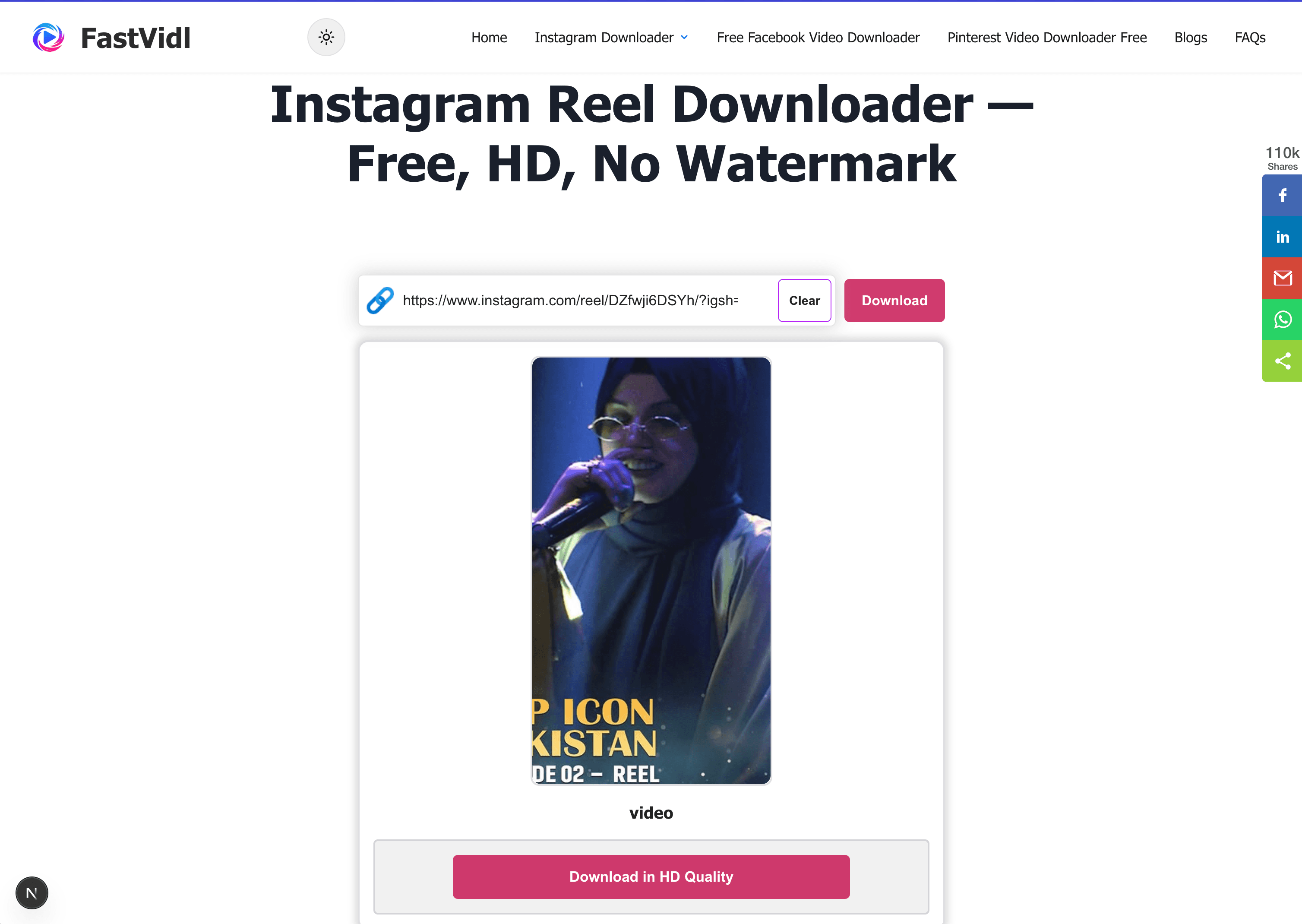
डेस्कटॉप ब्राउज़र में FastVidl के साथ Windows या Mac पर Instagram सामग्री डाउनलोड करना

कौन से लिंक काम करते हैं?

प्रोफ़ाइल सार्वजनिक होने पर /रील/ या /रील्स/ और शेयर-शीट शॉर्ट लिंक वाले सार्वजनिक रील यूआरएल काम करते हैं। निजी रीलों और करीबी दोस्तों की सामग्री नहीं लाई जा सकती।

गुणवत्ता और वॉटरमार्क

FastVidl इंस्टाग्राम द्वारा प्रस्तुत रील फ़ाइल को आमतौर पर 1080p तक डाउनलोड करता है, और इसमें कुछ भी नहीं जोड़ता है। इंस्टाग्राम का अंतर्निर्मित रील डाउनलोड क्लिप पर इंस्टाग्राम वॉटरमार्क और उपयोगकर्ता नाम अंकित करता है; फास्टविड्ल नहीं करता है.

समस्या निवारण

  • Private account: Only public reels work.
  • Deleted reel: Copy a fresh link or confirm the reel still plays publicly.
  • Muted audio: Licensed music may be restricted at source on some reels.

क्या यह कानूनी है?

व्यक्तिगत ऑफ़लाइन उपयोग आम तौर पर ठीक है। हमारा देखें अस्वीकरण.

अक्सर पूछे जाने वाले प्रश्नों

क्या फास्टविड्ल वास्तव में मुफ़्त है?

हाँ। There are no download limits, no premium tier, and no signup. साइट विज्ञापनों द्वारा समर्थित है.

क्या मुझे कोई ऐप इंस्टॉल करने की ज़रूरत है?

नहीं, FastVidl किसी भी डिवाइस पर पूरी तरह से आपके ब्राउज़र में चलता है।

क्या रील पर वॉटरमार्क होगा?

नहीं, आपको मूल फ़ाइल बिल्कुल वैसे ही मिलती है जैसे इंस्टाग्राम उसे प्रदान करता है। इंस्टाग्राम का अपना इन-ऐप रील डाउनलोड एक वॉटरमार्क जोड़ता है - फास्टविड्ल नहीं।

क्या मैं निजी रीलें डाउनलोड कर सकता हूँ?

नहीं, FastVidl केवल सार्वजनिक रूप से सुलभ रीलों के साथ काम करता है, और हम किसी भी परिस्थिति में आपका लॉगिन नहीं मांगते हैं।

मुझे कौन सी गुणवत्ता मिलेगी?

निर्माता द्वारा अपलोड की गई समान गुणवत्ता, आमतौर पर 1080p तक। हम स्रोत फ़ाइल से आगे गुणवत्ता नहीं बढ़ा सकते।

मेरा रील डाउनलोड विफल क्यों हुआ?

सामान्य कारण समाप्त हो चुके लिंक, निजी खाते या हटाई गई रीलें हैं। लॉग इन किए बिना रील के सार्वजनिक रूप से चलने की पुष्टि करें, फिर शेयर से एक ताज़ा लिंक कॉपी करें।

जब मैं डाउनलोड करता हूं तो क्या इंस्टाग्राम निर्माता को सूचित करता है?

नहीं, किसी ब्राउज़र टूल के माध्यम से सार्वजनिक रील डाउनलोड करने से निर्माता को कोई सूचना नहीं भेजी जाती है।

फास्टविड्ल से अधिक

इंस्टाग्राम वीडियो डाउनलोडर, इंस्टाग्राम स्टोरी डाउनलोडर, and फेसबुक वीडियो डाउनलोडर.

Paste a public Instagram Reel link above and FastVidl fetches the original MP4 with the original sound, free, typically up to 1080p, no watermark, no login, and nothing to install.

How to download an Instagram Reel

Copy the public reel link from Share, paste it into the box at the top of this page, and tap Download.

  1. Open the Reel on a public profile.
  2. Tap Share → Copy link.
  3. Paste here and tap Download.
  4. Save the MP4.

On iPhone

Copy the reel link, open this page in Safari, paste, and download. Instagram's own reel save adds a watermark, FastVidl gives you the original file. Use Open Share Sheet → Save Video for Photos.

Download in HD Quality and Open Share Sheet buttons on iPhone
FastVidl download ready on iPhone in Safari
iOS share sheet showing Save Video to save the clip to Photos

On Android

Copy the link, open Chrome, paste, and download. The reel saves to Downloads and usually appears in your gallery.

Downloading Instagram content on Android with FastVidl in Chrome

On Windows or Mac

Paste a public reel URL (instagram.com/reel/…) into the box and click Download.

Downloading Instagram content on Windows or Mac with FastVidl in a desktop browser

Which links work?

Public reel URLs containing /reel/ or /reels/ and share-sheet short links work when the profile is public. Private reels and close friends content cannot be fetched.

Quality and watermarks

FastVidl downloads the reel file Instagram serves, typically up to 1080p, and adds nothing to it. Instagram's built-in reel download stamps the clip with an Instagram watermark and username; FastVidl does not.

Troubleshooting

  • Private account: Only public reels work.
  • Deleted reel: Copy a fresh link or confirm the reel still plays publicly.
  • Muted audio: Licensed music may be restricted at source on some reels.

Is it legal?

Personal offline use is generally fine. See our disclaimer.

Frequently asked questions

Is FastVidl really free?

Yes. There are no download limits, no premium tier, and no signup. The site is supported by ads.

Do I need to install an app?

No. FastVidl runs entirely in your browser on any device.

Will the reel have a watermark?

No. You get the original file exactly as Instagram serves it. Instagram's own in-app reel download adds a watermark, but FastVidl does not.

Can I download private reels?

No. FastVidl only works with publicly accessible reels, and we don't ask for your login under any circumstances.

What quality will I get?

The same quality the creator uploaded, typically up to 1080p. We can't increase quality beyond the source file.

Why did my reel download fail?

Common causes are expired links, private accounts, or deleted reels. Confirm the reel plays publicly without logging in, then copy a fresh link from Share.

Does Instagram notify the creator when I download?

No. Downloading a public reel through a browser tool does not send a notification to the creator.

फास्टविडल एक स्वतंत्र टूल है और यह इंस्टाग्राम, मेटा प्लेटफॉर्म, फेसबुक, पिनटेरेस्ट या किसी अन्य प्लेटफॉर्म से संबद्ध, समर्थित या किसी भी तरह से आधिकारिक तौर पर जुड़ा नहीं है। सभी उत्पाद नाम और लोगो उनके संबंधित स्वामियों के ट्रेडमार्क हैं।