The all-in-one social media downloader
FastVidl is built for creators, students, and social media managers who need public posts saved fast. It keeps the original quality, adds no watermark of its own, and never asks you to log in, so a single paste gets you the file from Instagram, Facebook, Pinterest, or TikTok.
Quick Summary
FastVidl is a free browser-based downloader that helps users save public videos, reels, and photos from Instagram, Facebook, Pinterest, and TikTok. It works on iPhone, Android, tablet, Windows, and Mac without requiring app installation, account registration, or extra software.
People use FastVidl to back up their own content, review creative inspiration, prepare offline presentations, or organize public media for reference. It offers a simple and secure way to download supported content in high quality.
Table of Contents
- What is FastVidl?
- What can you download with FastVidl?
- Why users choose FastVidl
- How FastVidl works
- Platforms and downloader pages
- Who can use FastVidl?
- FastVidl on mobile and desktop
- Is FastVidl safe to use?
- Copyright and responsible use
- Frequently Asked Questions
What is FastVidl?
FastVidl is a free online downloader for saving public videos, reels, and photos from Instagram, Facebook, Pinterest, and TikTok. We built it because most tools require app installs or social logins. FastVidl runs in your browser with no installation needed.
Paste a public link and FastVidl downloads the original file, nothing added, nothing re-encoded.
What can you download with FastVidl?
FastVidl is a free, browser-based downloader for public videos, reels, and photos from Instagram, Facebook, Pinterest, and TikTok. There's nothing to install and no login required. Paste a link, and we fetch the original file in the best available quality with no watermark added. Pick the tool you need below.
- Instagram Reel Downloader
- Instagram Video Downloader
- Instagram Photo Downloader
- Facebook Video Downloader
- Pinterest Video Downloader
- TikTok Video Downloader
Each downloader page is designed for a specific media type, while the homepage helps users understand the full FastVidl platform and quickly choose the right tool.
Why users choose FastVidl
Users choose FastVidl because it combines speed, simplicity, and convenience in one browser-based tool. The tool works with public links only and keeps the process simple.
- Free to use
- No login required
- No app installation
- No watermark added by FastVidl
- High-quality downloads when the source allows it
- Works on desktop and mobile devices
- Simple interface with minimal steps
- Supports multiple social platforms
FastVidl works for anyone who needs a quick way to save public social media content without installing extra software.
How FastVidl works
FastVidl is built around a simple workflow that works across devices and browsers.
- Copy the public content link from Instagram, Facebook, Pinterest, or TikTok.
- Paste the link into the FastVidl input field.
- Process the link.
- Choose the available quality if options are shown.
- Download the file to your device.
Because the process runs in the browser, users can start quickly without downloads, installations, or account creation.
Platforms and downloader pages
FastVidl is not only an Instagram tool. It is a multi-platform downloader built to support different public content formats across major social websites.
- TikTok video downloader, save TikTok videos without watermark
- Pinterest video downloader, HD pins without watermark
- Instagram video downloader, 1080p feed and IGTV saves
- free Instagram Reel downloader, save Reels in HD without watermark
- free Facebook video downloader, videos and Reels without watermark
- Instagram photo downloader, download posts as full-size JPG
Who can use FastVidl?
FastVidl is useful for a wide range of users who need a simple and practical way to save supported public content for personal workflow purposes.
- Saving your own uploaded content
- Backing up public media
- Building inspiration libraries
- Preparing client presentations
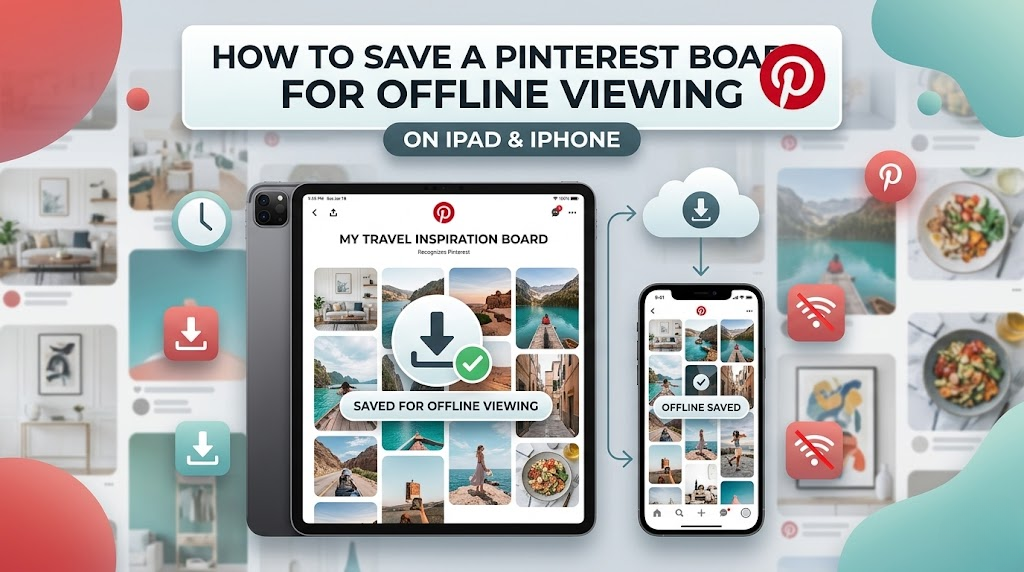
- Reviewing content offline
- Researching public creative trends
- Organizing media references for personal or educational use
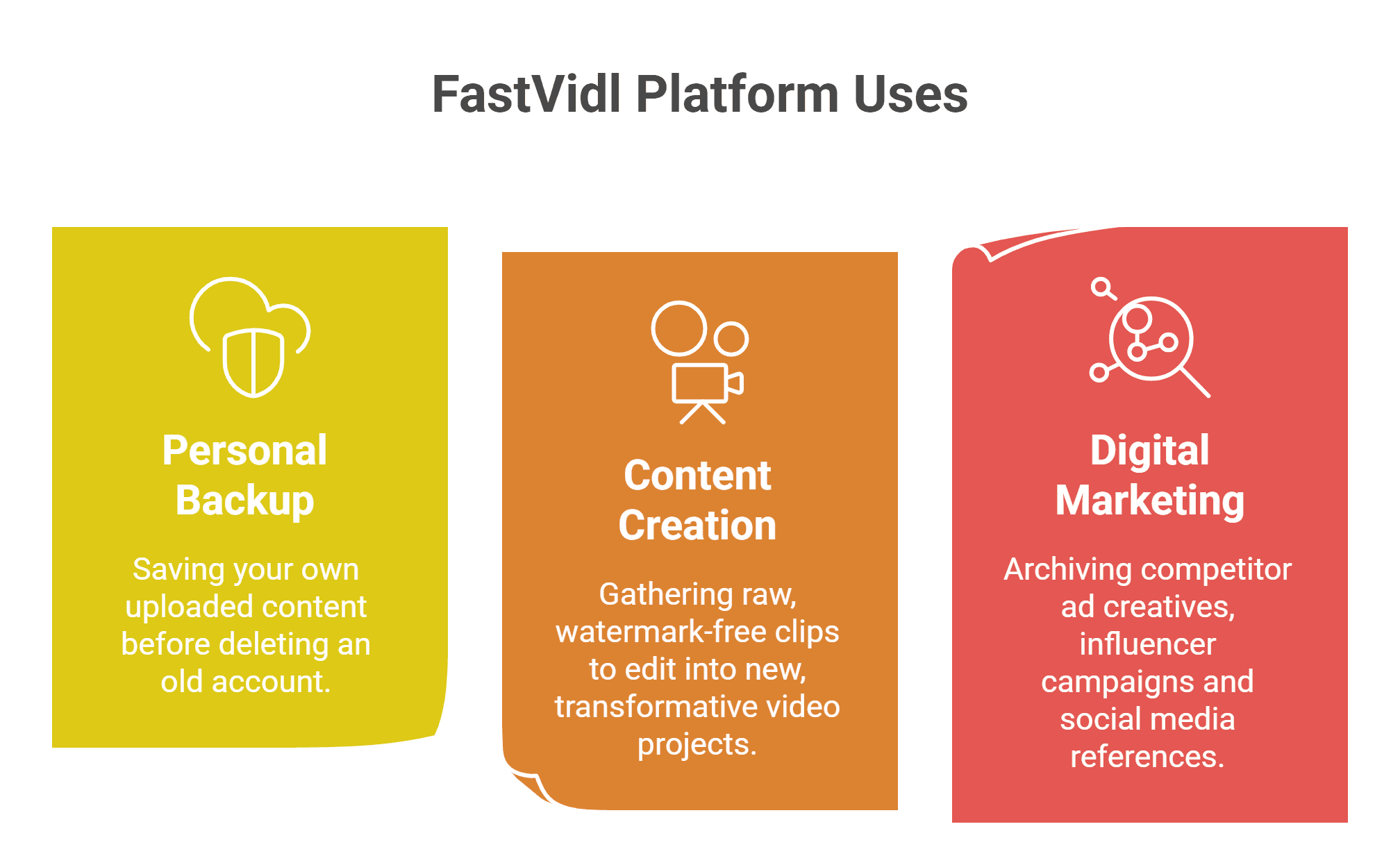
Different users may have different needs, but the common goal is the same: fast access to public media without unnecessary complexity.
FastVidl on mobile and desktop
FastVidl works across modern devices and browsers, making it convenient for users who want to save media on the go or from a desktop workstation.
- iPhone
- Instagram Video Downloader
- Android
- iPad and tablets
- Windows desktop
- Mac desktop
The browser-based setup means users can move between devices without learning a new interface or installing different apps for each platform.
Is FastVidl safe to use?
FastVidl is built for supported public content and should never require users to log in with their social media account credentials just to process a public link.
As a general rule, safe downloader tools should avoid suspicious permissions, unclear privacy practices, and promises to access private content. Users should always prefer tools that are transparent, browser-based, and clearly focused on public URLs only.
Copyright and responsible use
FastVidl is intended for responsible use with public content. Downloading content does not transfer copyright ownership, and users must respect the rights of original creators, platform rules, attribution expectations, and local laws.
Personal backup, private reference, or permitted reuse may be acceptable in some cases, but redistribution or commercial use may require permission from the rights holder.