
How to download an Instagram Reel
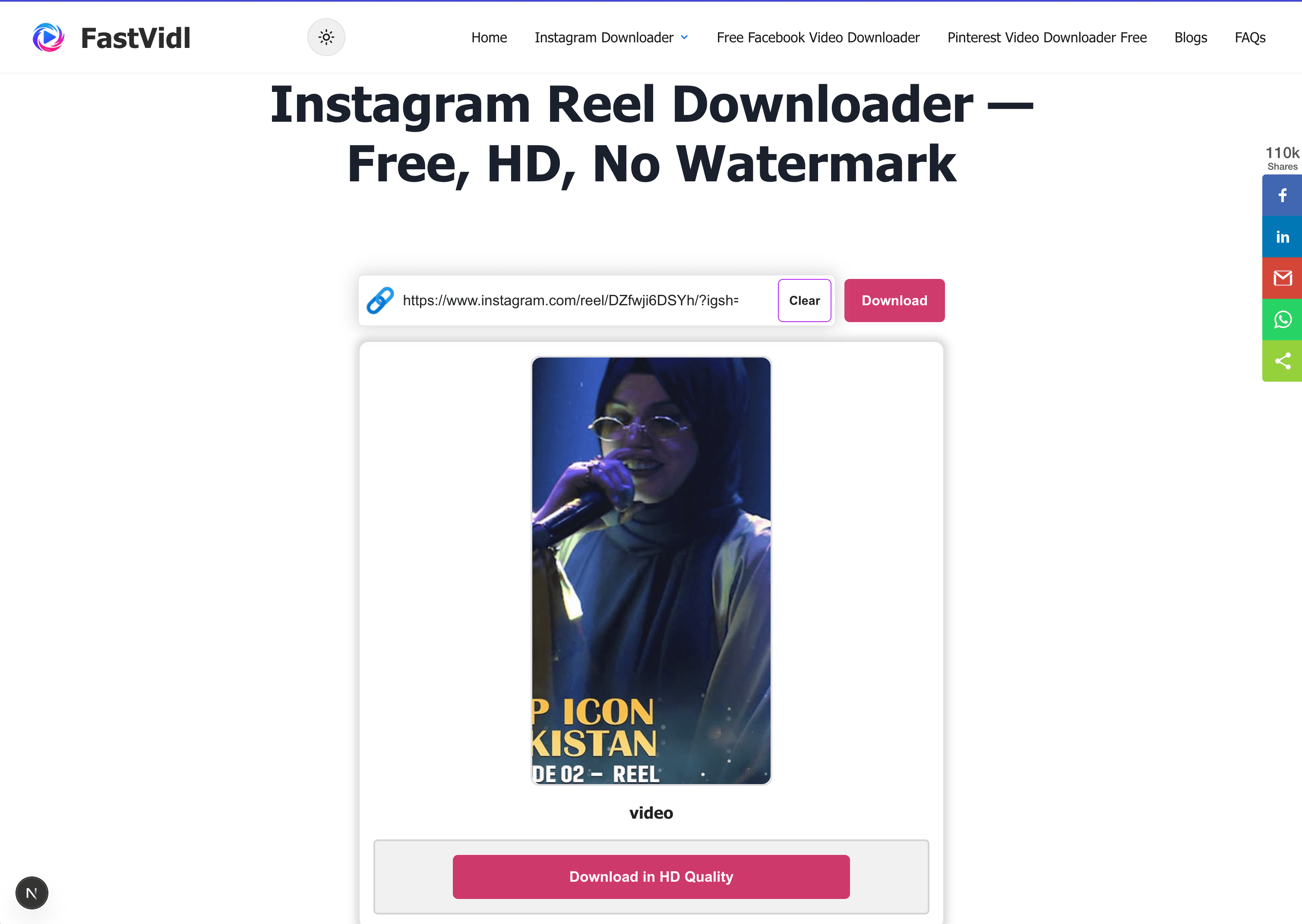
Copy the public reel link from Share, paste it into the box at the top of this page, and tap Download.
- Open the Reel on a public profile.
- Tap Share → Copy link.
- Paste here and tap Download.
- Save the MP4.
On iPhone
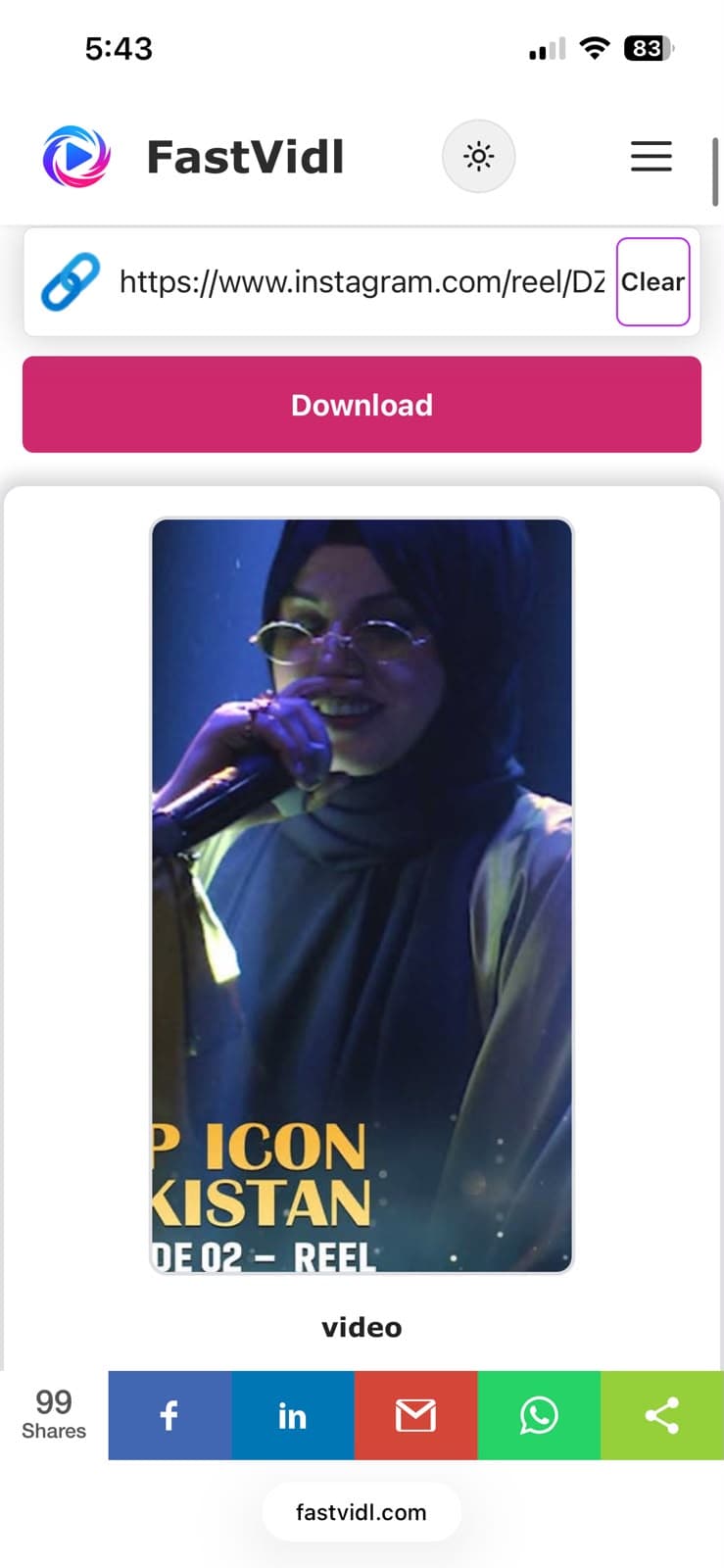
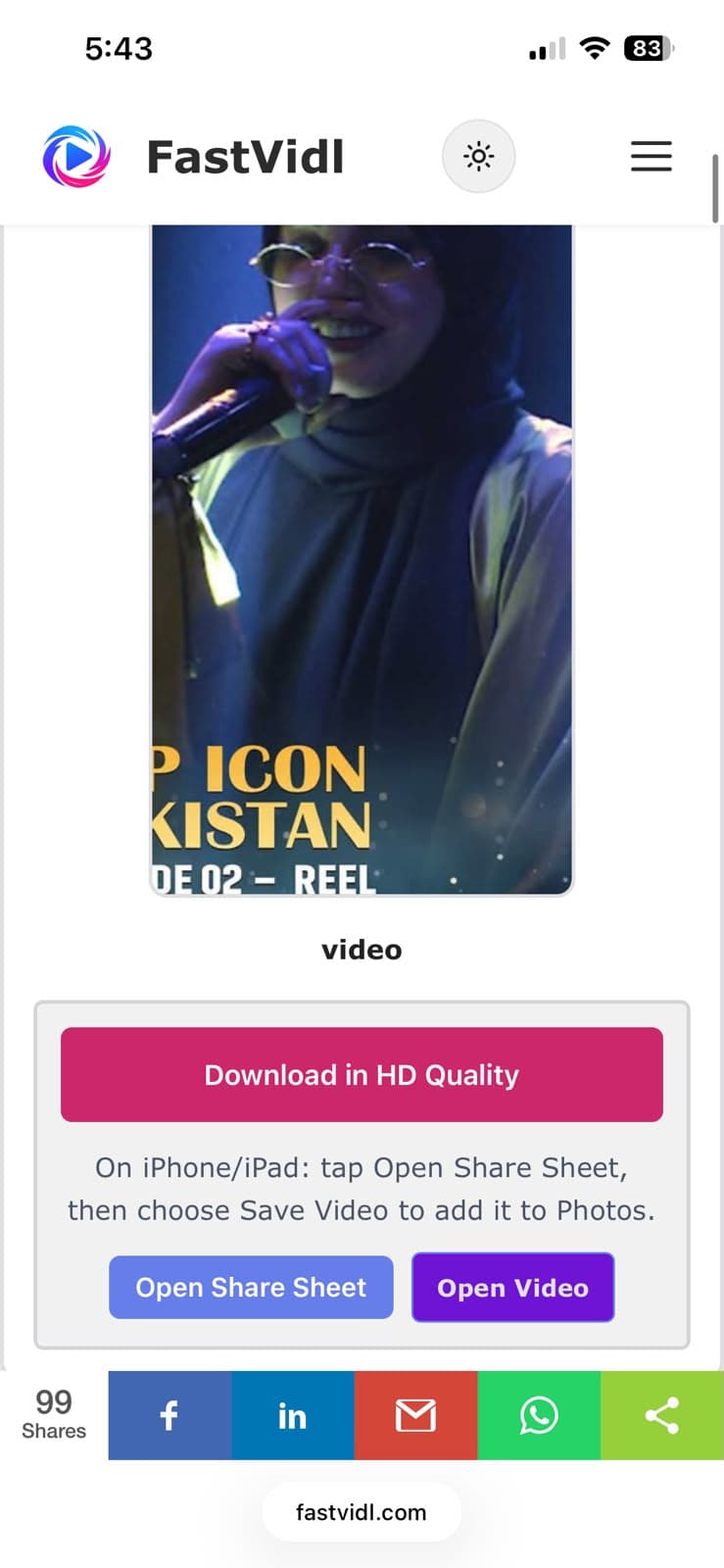
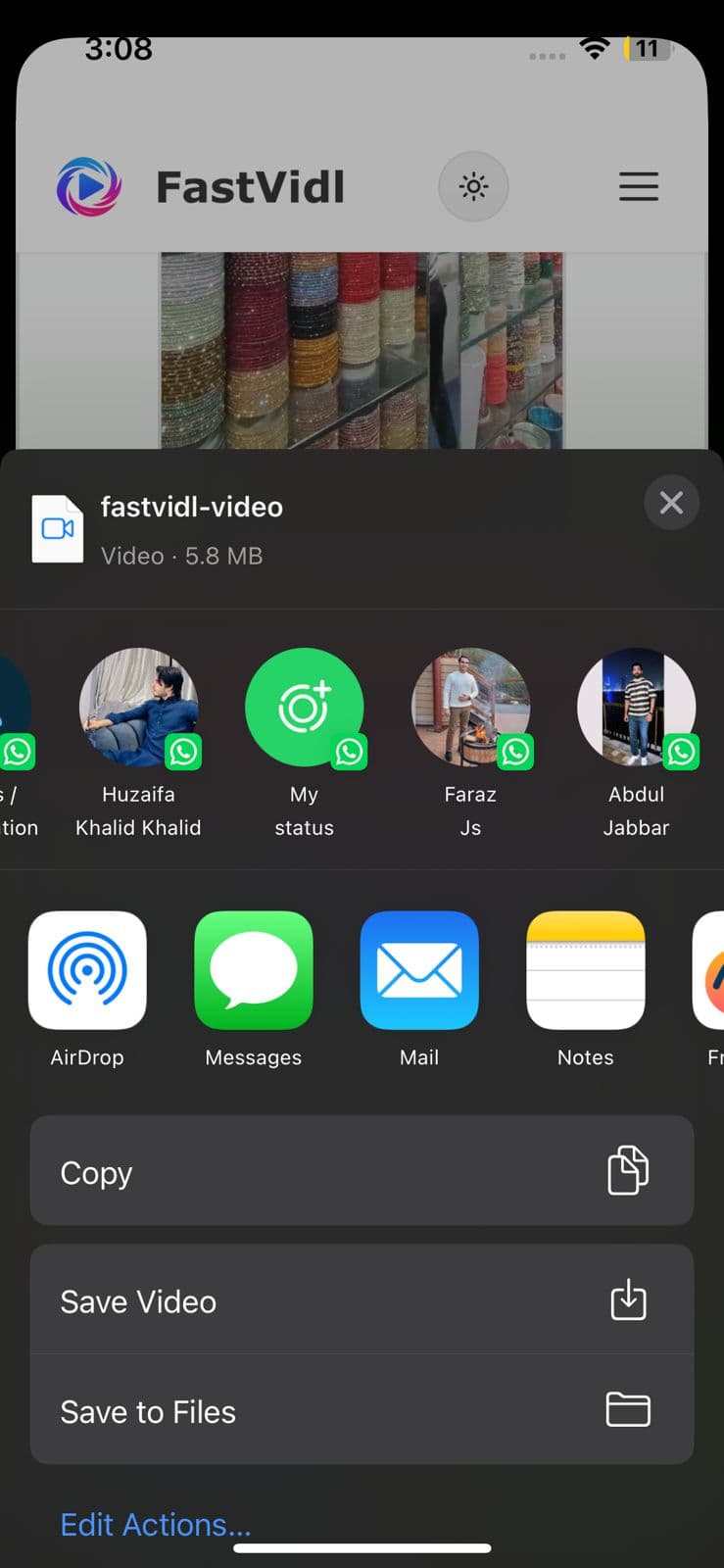
Copy the reel link, open this page in Safari, paste, and download. You get the original file exactly as Instagram serves it, with nothing added by FastVidl. Use Open Share Sheet → Save Video for Photos.
On Android
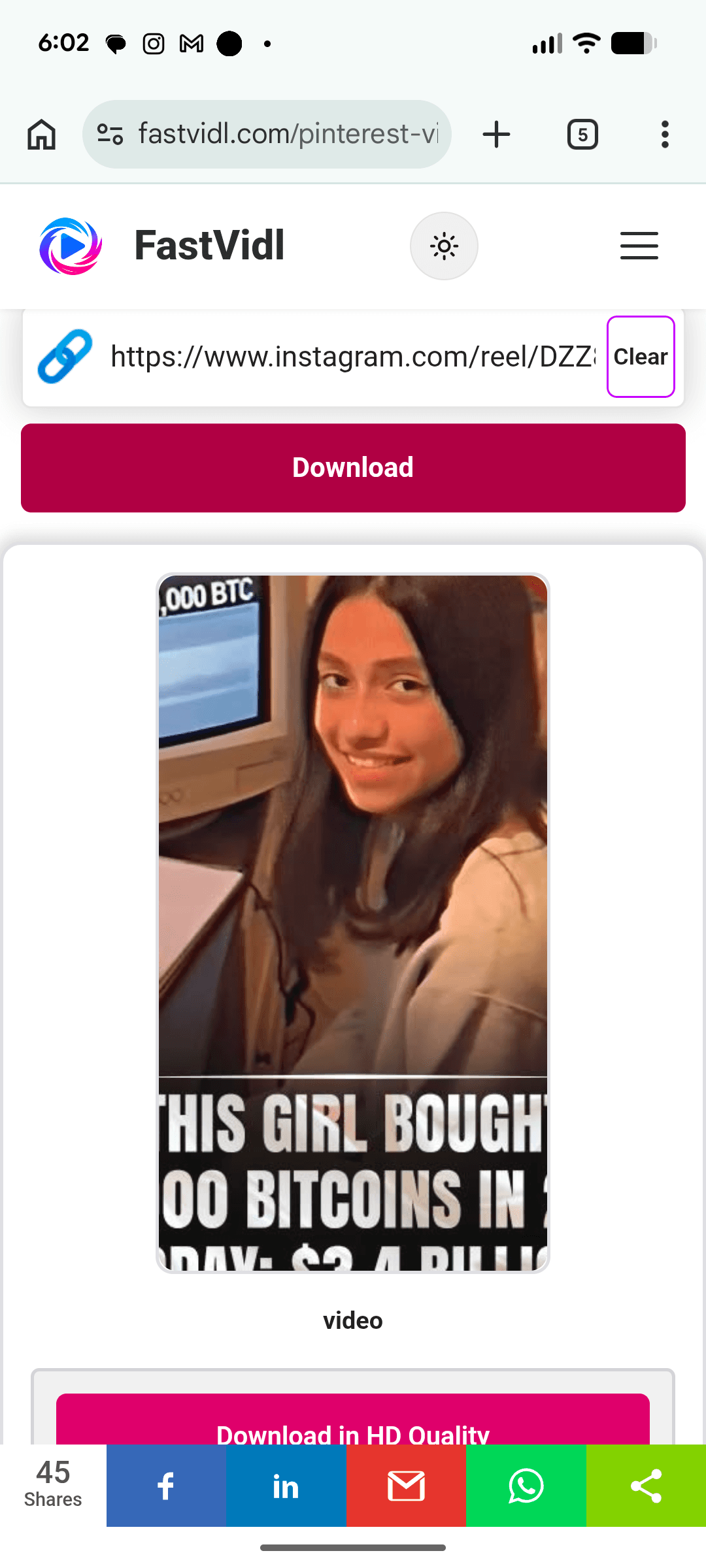
Copy the link, open Chrome, paste, and download. The reel saves to Downloads and usually appears in your gallery.
On Windows or Mac
Paste a public reel URL (instagram.com/reel/…) into the box and click Download.
Which links work?
Public reel URLs containing /reel/ or /reels/ and share-sheet short links work when the profile is public. Private reels and close friends content cannot be fetched.
Quality and watermarks
FastVidl downloads the reel file Instagram serves, typically up to 1080p, and adds nothing to it: no FastVidl watermark, no re-encoding, no quality loss.
Troubleshooting
- Private account: Only public reels work.
- Deleted reel: Copy a fresh link or confirm the reel still plays publicly.
- Muted audio: Licensed music may be restricted at source on some reels.
Is it legal?
Personal offline use is generally fine. See our disclaimer.
Frequently asked questions
Our testing notes
In April 2026 we tested public Reels on desktop Chrome and mobile Safari. Most clips under one minute processed in 8 to 15 seconds.
We re-run these checks monthly on real devices. Read how we test FastVidl for devices, browsers, and pass/fail criteria.