
How to download a TikTok video
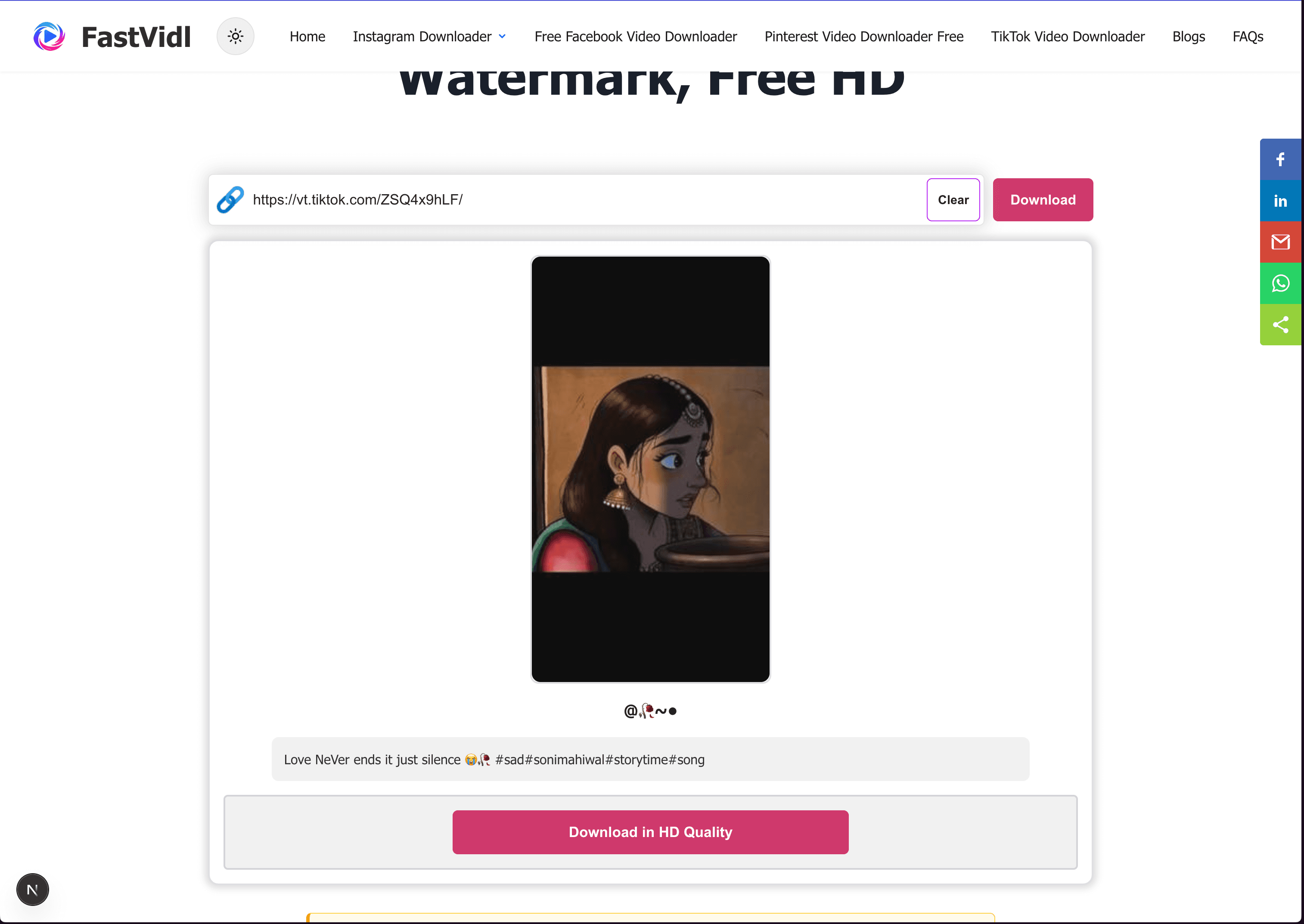
Copy the public video link from TikTok, paste it into the box at the top of this page, and tap Download. The whole process takes about ten seconds.
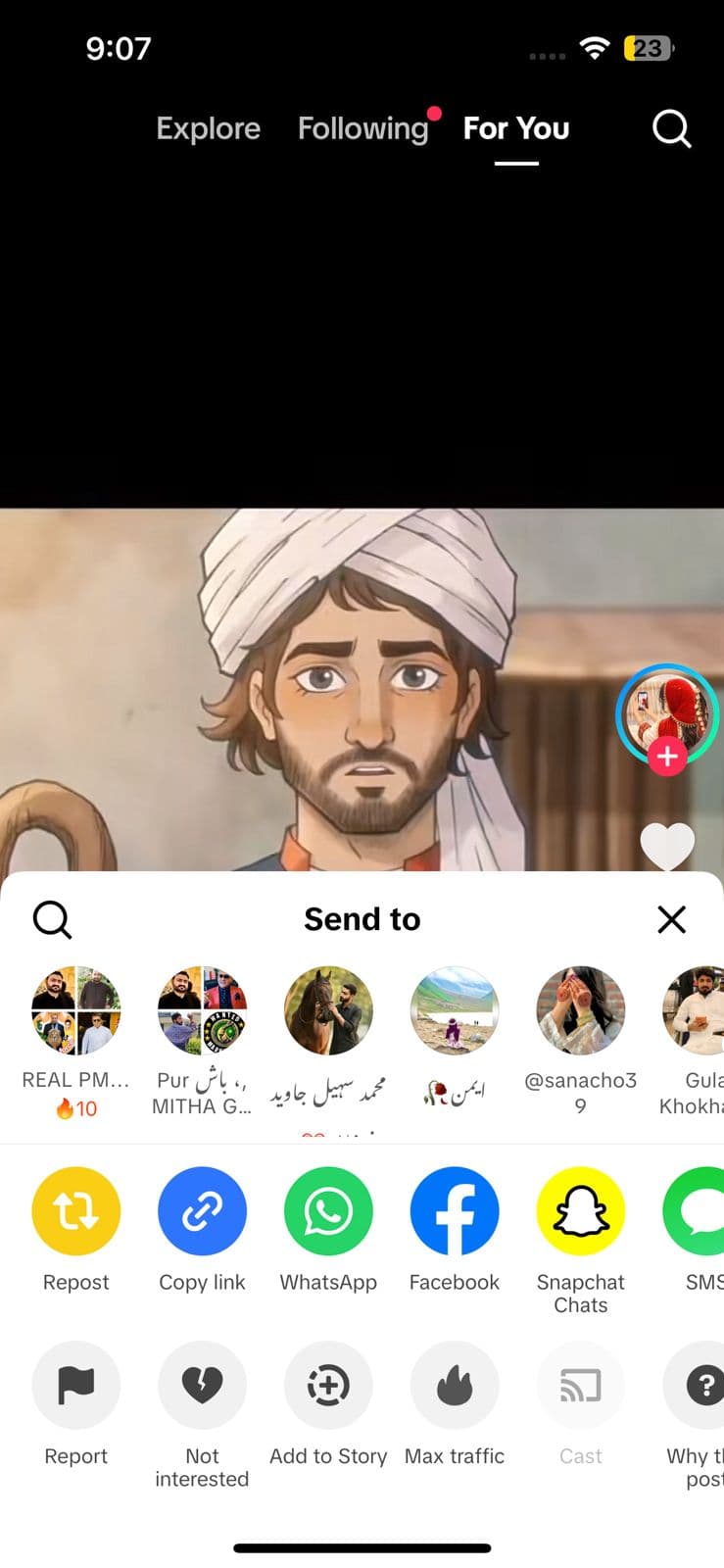
- Open the public video in the TikTok app or on tiktok.com.
- Tap Share and choose "Copy link".
- Paste the link here and tap Download.
- Save the MP4 video to your device.
On iPhone
Copy the link from the TikTok app, open this page in Safari, paste, and download. Use Open Share Sheet, then Save Video for Photos, or save to Files first.
On Android
Copy the link, open this page in Chrome, paste, and download. Files usually appear in Downloads and your gallery.
On Windows or Mac
Copy the video URL from the address bar or Share menu, paste it here, and click Download.
How to download a TikTok without the watermark
TikTok stamps a moving logo and the creator's username onto videos saved through the app. FastVidl saves the clean file TikTok serves for that public video, so your download is a clean MP4 with no logo and no username.
Use clean files responsibly. They are ideal for personal viewing and for your own content. If you save someone else's video, credit the creator and do not present their work as your own. A watermark-free file is not a license to claim someone else's content, and reposting without permission can breach copyright and TikTok's Terms of Service.
Which links work?
FastVidl supports common public TikTok URLs, including tiktok.com/@username/video/… links and the shortened vm.tiktok.com and vt.tiktok.com share links. This works for standard videos; photo/slideshow posts aren't supported yet (see the support matrix below). Private accounts, restricted videos, and content the creator has removed cannot be downloaded.
Troubleshooting
- Short link not loading: vm.tiktok.com and vt.tiktok.com links are shortened. If one fails, open the video on tiktok.com, copy the full URL from the address bar, and retry.
- Video unavailable: The video may be private, region-locked, or deleted. Confirm it plays publicly on TikTok, copy a fresh link from Share, and try again. If the creator removed it, no downloader can recover it.
- No 4K or 8K option: TikTok does not serve those resolutions. FastVidl gives you the real file at its true maximum, usually up to 1080p, with nothing upscaled.
Quality, watermarks, and privacy
FastVidl downloads the clean file TikTok serves for that public video, adding nothing of its own, no logo and no stamp. We do not re-encode the video, so quality is whatever TikTok exposes for that upload, typically up to 1080p. We do not ask for your TikTok login and do not store your downloads on our servers.
Our testing notes
In June 2026 we tested public TikTok videos, photo posts, and shortened share links on desktop Chrome and mobile Safari. Standard videos usually resolved in 5 to 12 seconds. Shortened vm.tiktok.com links occasionally needed a retry using the full tiktok.com URL, which resolved within about 20 seconds. Private and region-locked videos could not be downloaded.
We re-run these checks monthly on real devices. Read how we test FastVidl for devices, browsers, and pass/fail criteria.
Is it legal to download TikTok videos?
Personal offline reference is generally fine; republication or commercial reuse requires permission, and a missing watermark does not change that. See our disclaimer.
What FastVidl supports on TikTok
To keep expectations honest, here is exactly what works today when you paste a TikTok link:
| Content type | Supported? | Output | Notes |
|---|---|---|---|
| Standard video | Yes | MP4 | Clean file with no TikTok logo or username, up to 1080p. |
| Photo slideshow | Not supported | — | TikTok photo/slideshow posts aren't stitched into a video for download yet. On the roadmap. |
| Audio only (MP3) | Not supported | — | FastVidl saves the video (MP4). There is no separate MP3 or audio-only export. |
| TikTok Story | Not supported | — | Stories aren't exposed for public download. |
Roadmap: photo-slideshow-to-MP4 and audio-only export are features we're evaluating. We won't list them above until they actually work, so if you see it on this page, it's live.
TikTok watermark: what gets removed and what doesn't
There are two different "watermarks" on TikTok, and it's worth knowing which one FastVidl can remove:
- TikTok's own overlay (removable): the moving TikTok logo and the @username that TikTok stamps onto videos saved through the app. FastVidl pulls the clean source file TikTok serves, so this overlay isn't in your download.
- A creator's baked-in watermark (not removable): if the creator burned their own logo, handle, or a CapCut/editing-app watermark into the pixels before uploading, it is part of the video itself. No downloader can remove that without re-encoding and cropping the footage, which we don't do.
So a FastVidl download is free of TikTok's added overlay, but anything the creator baked into the frame stays. That is the honest difference most tools gloss over.
Region-blocked or private video?
If a video won't download, the cause is almost always access, not the tool:
- Private or friends-only: content on private accounts, or videos the creator restricted, isn't publicly accessible and can't be fetched by design.
- Region-locked: some videos are limited to certain countries. Because resolution happens on our server, a VPN in your browser won't change the result: if TikTok blocks the video for that region, no downloader can bypass it.
- Removed or under review: if the creator deleted the video or TikTok took it down, the source file is gone and can't be recovered.
Frequently asked questions
More from FastVidl
Facebook Video Downloader, Pinterest Video Downloader, and Instagram Reel Downloader.