
Instagram Video Downloader — 1080p HD Without Watermark
Quick Summary
To download an Instagram video or IGTV post, copy the public post link, paste it into FastVidl on this page, and save the MP4. FastVidl is a free Instagram video downloader that works in your browser — no app, no login, and no extra watermark added by FastVidl. It supports feed videos and IGTV-style links at up to 1080p when Instagram exposes that quality. Use it on iPhone, Android, or desktop. Private posts cannot be downloaded. Processing usually finishes in under 20 seconds.
Table of Contents
- Why Use a Free Online Instagram Video Downloader?
- Step-by-Step: How Do I Download an Instagram Video?
- How to Save Videos from Instagram to Gallery
- Choosing the Best Free Instagram Video Downloader Without Watermark
- Downloading IGTV and Long-Form Feed Videos
- Web vs. App-Based Downloading: A Comparison
- Our Testing Notes
- Safety Tips
- Legal Aspects and Privacy Guidelines
- Frequently Asked Questions
- Meet the Team Behind FastVidl
- Conclusion
Why Use a Free Online Instagram Video Downloader?
A browser-based downloader gives you a local MP4 from a public link without installing apps or handing over your Instagram password. Screen recordings lose quality; native saves can compress video or add branding. FastVidl pulls the source file when Instagram makes it available publicly.
Instagram built-in save options can compress content or include watermarking in some workflows. FastVidl offers a cleaner path to usable files without extra software.
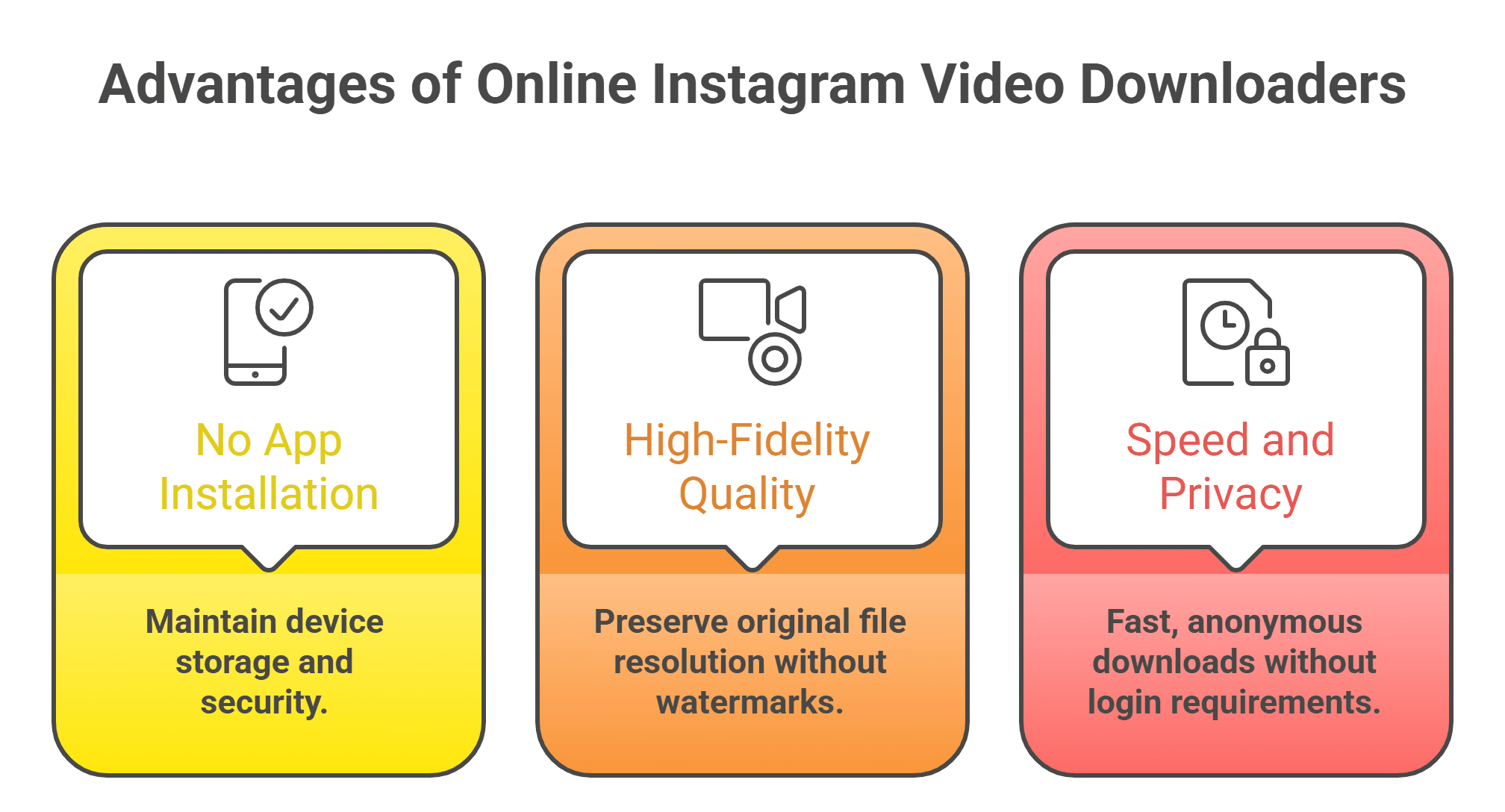
- No App Installation Required: Save storage and avoid risky app permissions.
- High-Fidelity Quality: Preserve source resolution for better output quality.
- Speed and Privacy: Browser tools can process links quickly without login prompts.
Step-by-Step: How Do I Download an Instagram Video?
Copy the video link from Instagram (Share → Copy Link), open this page in Safari or Chrome, paste the URL, and click Download. If nothing appears, confirm the post is public and try a freshly copied link. Longer IGTV files may take a few extra seconds because of file size.
- Locate the Content: Open Instagram and find the public video.
- Copy Link: Tap Share and select Copy Link.
- Visit FastVidl: Open the Instagram video downloader page in browser.
- Paste and Fetch: Insert URL into the input field.
- Download: Save the processed file directly to device storage.
If a download fails, confirm the target post is public. Private account restrictions cannot be bypassed by compliant tools.
How to Save Videos from Instagram to Gallery
- Android: Downloads usually appear in Downloads and sync to Gallery.
- iPhone/iPad: Files app stores the download first; use Share > Save Video — the simple path for how to save instagram videos to camera roll without watermark on iOS.
For better organization, keep dedicated albums such as Marketing Ideas, Templates, or Inspiration.
Choosing the Best Free Instagram Video Downloader Without Watermark
The best tool should prioritize safety, clean output, and cross-device reliability — including full HD saves without added watermark when the source file supports it.
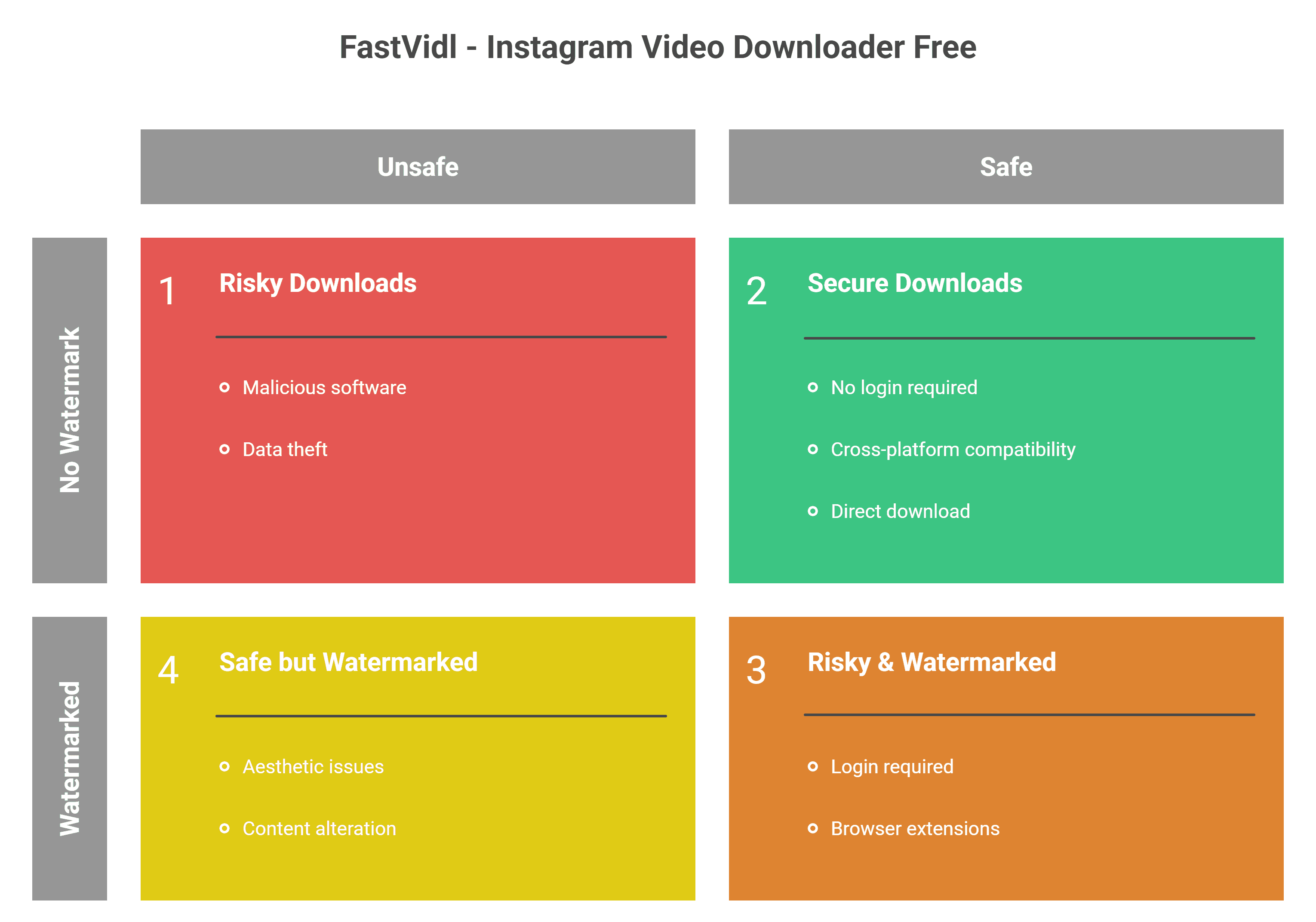
- Zero Watermarks: Get clean raw files without visual clutter.
- No Login Prompts: Never enter Instagram credentials into downloader tools.
- Cross-Platform Compatibility: Works on iOS, Android, macOS, and Windows without extensions.
Downloading IGTV and Long-Form Feed Videos
IGTV posts and longer feed videos use the same public URL workflow as short clips. Copy the post link — whether it is an instagram.com/p/ or instagram.com/tv/ URL — paste it into FastVidl, and download the MP4 when the preview appears. No separate IGTV app is required.
- Open the IGTV or video post on Instagram (app or web).
- Copy Link from the three-dot or Share menu.
- Paste into FastVidl on this page and tap Download.
- Save the file — longer videos may take a few extra seconds to process because of file size.
Web vs. App-Based Downloading: A Comparison
| Feature | Web-Based (Online Free) | App-Based (APK/iOS Store) |
|---|---|---|
| Storage Space | Zero (runs in browser) | Requires local storage |
| Security/Safety | Higher (fewer local permissions) | Moderate (requires app permissions) |
| Updates | Automatic server-side | Manual updates |
| Ad Experience | Usually cleaner | Often intrusive popups |
Our Testing Notes
We tested public feed videos and IGTV-style links on desktop Chrome and mobile Safari in April 2026. Typical processing took 8–15 seconds for clips under two minutes; longer IGTV files occasionally needed up to 25 seconds. Output resolution matched the highest public stream Instagram exposed — usually 720p or 1080p for recent uploads.
Carousel posts with a single embedded video worked reliably. Mixed photo-and-video carousels sometimes require opening the specific video slide first, then copying that slide's link for best results.
Safety Tips
- Stick to public URLs: Do not use tools that ask you to log in or sideload browser extensions from unknown developers.
- Watch for fake download buttons: Close pop-under tabs that appear on shady mirror sites — FastVidl keeps the flow on one page.
- Scan files if unsure: On Windows, right-click a downloaded MP4 and scan with your antivirus if it came from an untrusted source.
- Respect music rights: Downloaded videos may include licensed audio — personal offline viewing is fine; commercial reuse needs permission.
Legal Aspects and Privacy Guidelines
- Personal Use: Offline personal reference is generally safer under fair-use contexts.
- Commercial Re-use: Reposting without permission can violate copyright and platform terms.
- Anonymous Downloads: Quality tools process public links server-side without asking for account login.
Frequently Asked Questions
Meet the Team Behind FastVidl
FastVidl was built by a dedicated team focused on modern video downloading workflows. By combining technical precision with search expertise, we keep the platform fast, secure and free.
Raja Jahangir, SEO & Growth Specialist. With three years of SEO experience, Raja helps keep FastVidl user-centric and privacy-focused. View Author Profile Powered by Auroxa Tech.
Conclusion
Downloading Instagram videos should not require unsafe apps or low-quality workarounds. FastVidl is built for fast, secure, watermark-free downloads in your browser with no app install.
Explore more tools: Instagram Reel Downloader Free, Instagram Photo Downloader, and Instagram story and highlight downloader.