
Best Instagram Story Downloader | Save Stories with Music in HD
Quick Summary
Instagram stories disappear after 24 hours, and native saving frequently removes audio because of copyright controls. A web-based instagram story downloader is the safest way to save stories in HD with better privacy and cleaner workflow. This guide explains how to preserve story media with music, save to Android and iPhone galleries, and avoid risky third-party apps.
What is an Instagram Story Downloader?
An Instagram story downloader is a web tool that extracts temporary story media from public Instagram profiles. By using public story links or usernames, the tool fetches source media from Instagram's delivery infrastructure and provides downloadable MP4 or JPG files without requiring app installation.
Table of Contents
- The Challenge: Saving Stories with Music and Audio
- Key Takeaways
- How to Download Instagram Stories on Android
- How to Download Instagram Stories on iPhone
- Privacy and Anonymity: Saving Without Them Knowing
- FastVidl Features
- Saving Other Instagram Content to Your Gallery
- Frequently Asked Questions
- Meet the Team Behind FastVidl
- Conclusion
The Challenge: Saving Stories with Music and Audio
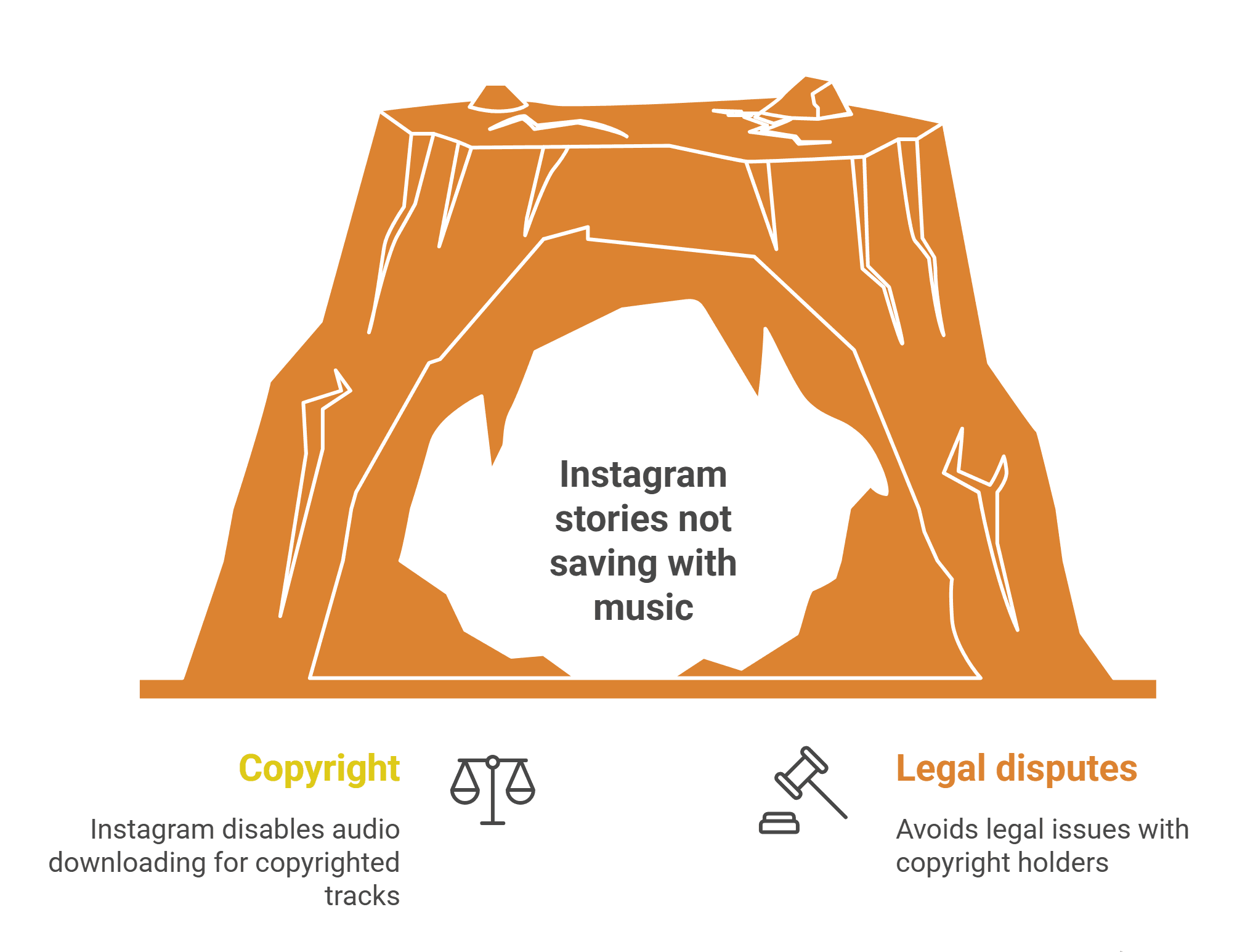
A major user frustration is story audio loss. Instagram often disables native audio saving for copyrighted tracks to reduce legal disputes, so saved stories can lose their original sound.
To preserve full media, use a web downloader that keeps visual and audio tracks together. This is especially useful when users want to save other people's stories with songs or keep story videos with intact music.
Key Takeaways
- Understanding the Tools: Story downloaders convert publicly available content into downloadable files.
- Legal Considerations: Download for personal use and respect copyright/privacy rights.
- Quality Matters: Use tools that preserve original quality and support multiple formats.
- Platform Choice: Web-based tools provide better convenience and compatibility.
- Best Practices: Download promptly, organize files and back up important media.
How to Download Instagram Stories on Android
Avoid installing random APK apps. A secure browser-based method is safer and typically faster:
- Copy the story link from Instagram.
- Open FastVidl in Chrome.
- Paste the URL and process.
- Download the file.
- Locate it in Downloads and move to gallery albums if needed.
If the file does not appear in Gallery, open your phone's Files or Downloads app, confirm the MP4 saved successfully, then use Share or Move to DCIM/Camera if your device requires it. Allow storage permissions when Chrome prompts you on first download. If playback fails, try re-downloading the link or clearing Chrome cache, then repeat the steps above.
How to Download Instagram Stories on iPhone
iOS file handling is stricter, so a browser-based workflow is preferred over ad-heavy apps:
- Copy the story link from Instagram.
- Open Safari and visit FastVidl.
- Paste link and download.
- From Files, use Share - Save Video to move into Photos.
On iPhone, Safari saves downloads to the Files app by default, not Photos. After download, tap the file, choose Share, then Save Video. If iOS asks for permission, allow Files access. For troubleshooting, confirm the story URL is from a public account, disable content blockers temporarily, and retry in a private tab if the fetch stalls.
Privacy and Responsible Use
- Public links only: FastVidl only fetches public story content using publicly accessible links, no account login or private data access is involved.
- Screenshots: Instagram currently does not notify story screenshots, but screenshot quality is worse than raw download.
- Private accounts: Ethical tools should not bypass private-account protections.
Always avoid tools that request login credentials for private story access and follow Instagram's Terms.
FastVidl Features
FastVidl combines simplicity with a modern feature set for story downloading across devices.
| Feature | Description |
|---|---|
| Instant Downloads | Stories are processed in seconds |
| Multiple Formats | Support for MP4, JPG and PNG |
| HD Quality | Original-resolution story saving |
| Cross Platform | Works on mobile and desktop browsers |
| Privacy First | No unnecessary data storage or tracking |
| Free to Use | Core downloader features are free |
Saving Other Instagram Content to Your Gallery
A strong web tool should also support related workflows like saving Instagram photos, videos and reels into your gallery with minimal compression and no app installation.
Frequently Asked Questions
Meet the Team Behind FastVidl
FastVidl was built by a dedicated team focused on next-generation downloading tools. By combining technical precision with search expertise, we keep the platform fast, secure and free for users.
Raja Jahangir, SEO & Growth Specialist. With three years of SEO experience, Raja keeps FastVidl user-centric and privacy-focused. View Author Profile Powered by Auroxa Tech.
Conclusion
Archiving short-form social content should not mean losing audio or exposing your data to unsafe apps. A robust instagram story downloader helps preserve media quality while keeping the process simple and anonymous.
FastVidl is built to deliver high-quality, secure downloads from public story links quickly. Explore more tools: Instagram Reel Downloader Free, Instagram Photo Downloader, and Pinterest Video Downloader Free.