FastVidl

تحميل انستقرام ريل- مجاني، بدقة عالية، بدون علامة مائية

كيفية تنزيل Instagram Reel

انسخ رابط البكرة العامة من مشاركة، والصقه في المربع الموجود أعلى هذه الصفحة، ثم انقر فوق تنزيل.

  1. Open the Reel on a public profile.
  2. Tap Share → Copy link.
  3. Paste here and tap Download.
  4. Save the MP4.

على اي فون

انسخ رابط البكرة، وافتح هذه الصفحة في Safari، والصقه، وقم بتنزيلها. يضيف حفظ البكرة الخاص بـ Instagram علامة مائية، بينما يمنحك FastVidl الملف الأصلي. استخدم فتح ورقة المشاركة → حفظ الفيديو للصور.
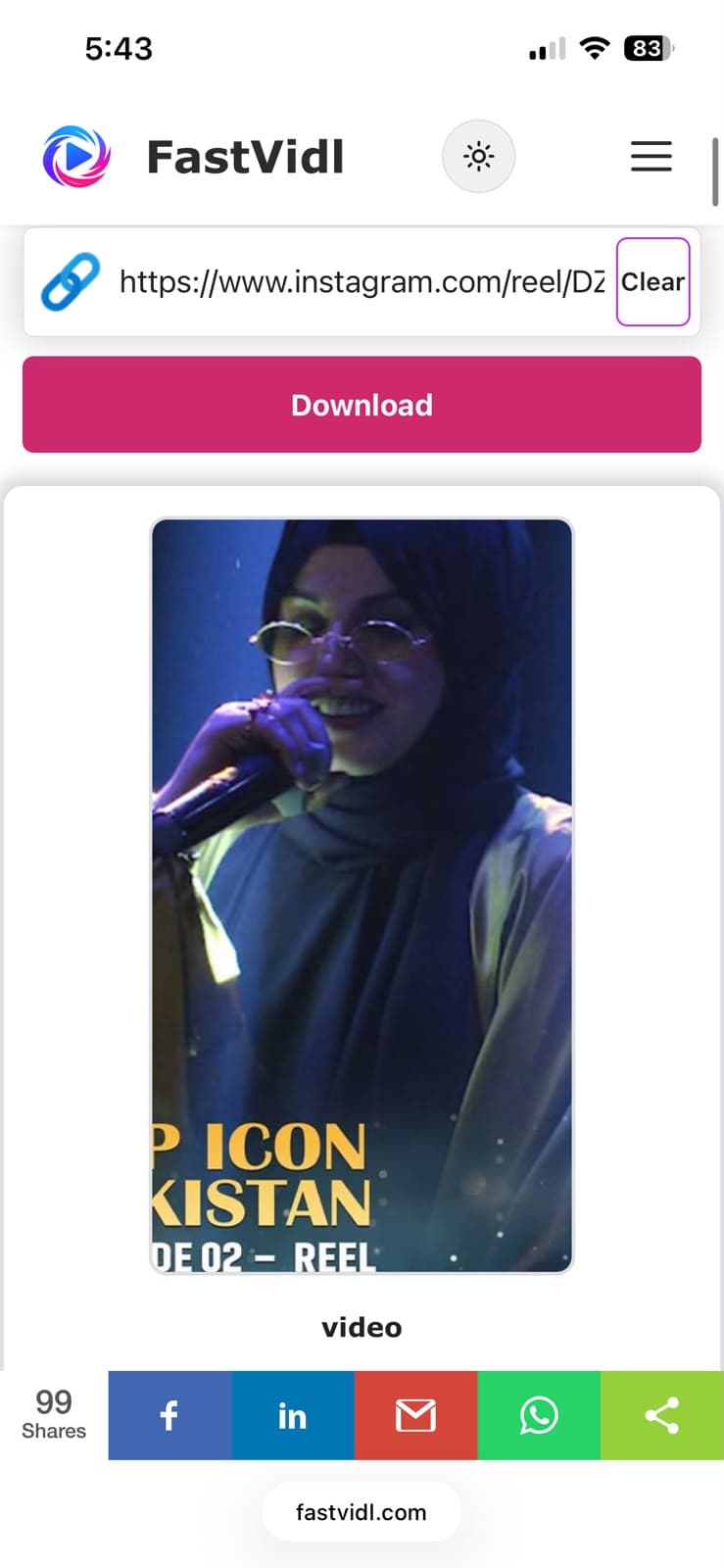
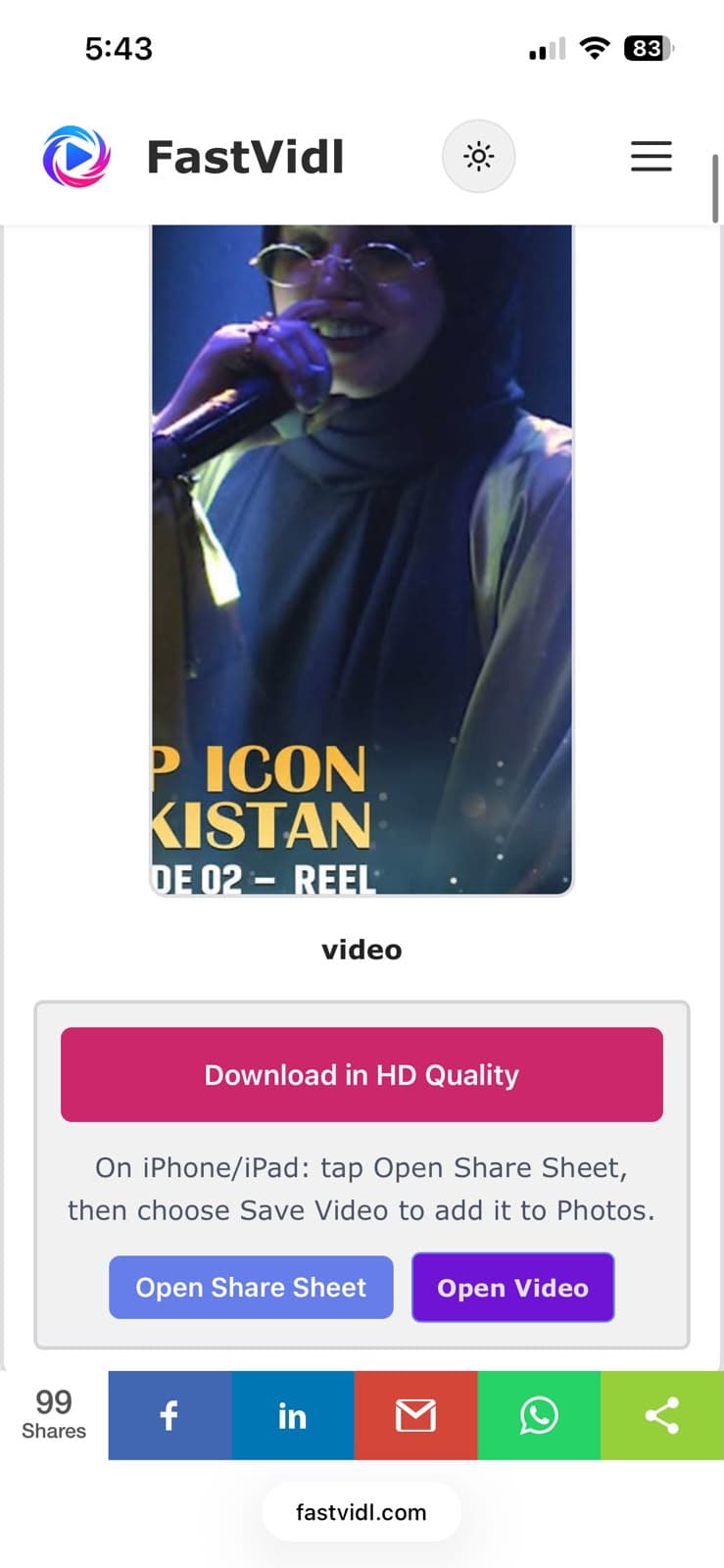
قم بالتنزيل بجودة HD وأزرار Open Share Sheet على iPhone
تنزيل FastVidl جاهز على iPhone في Safari
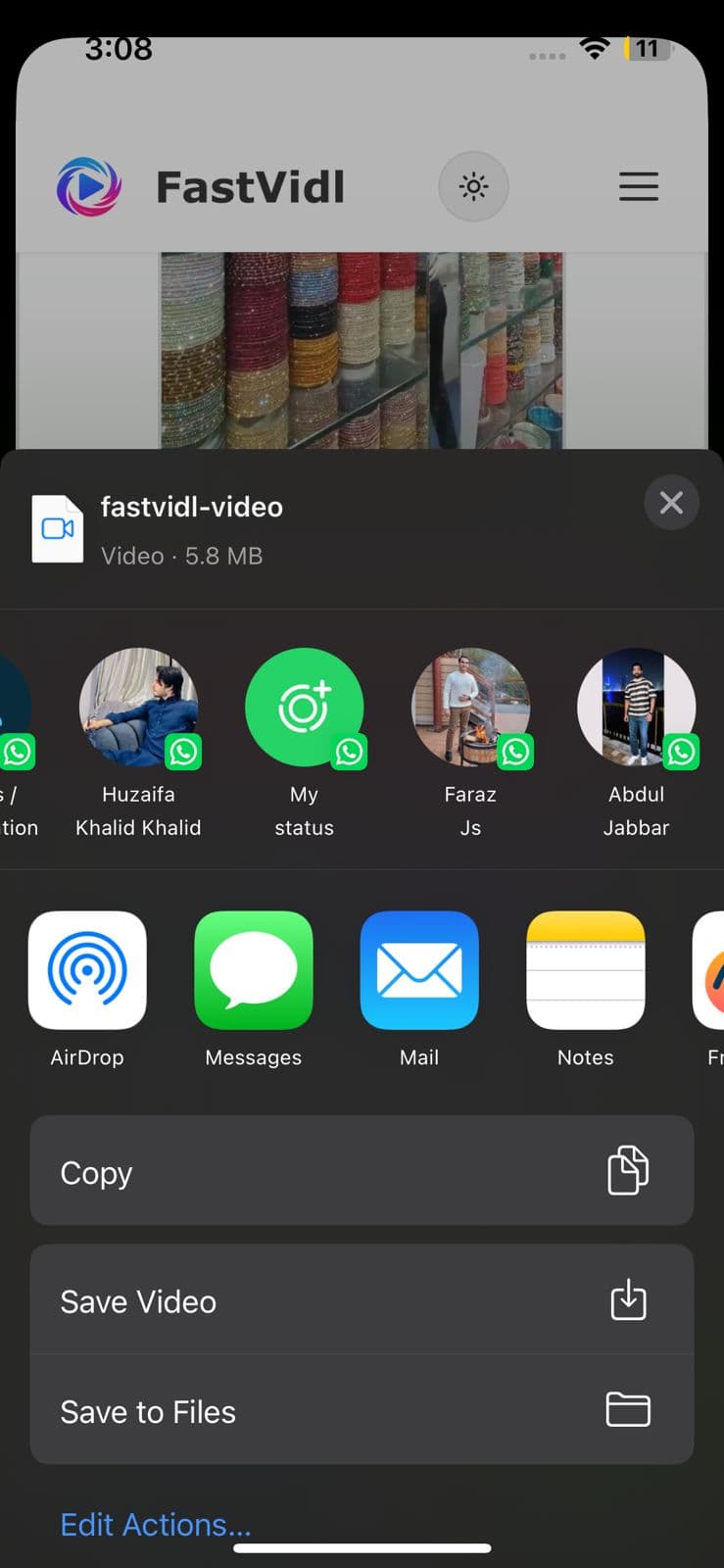
تعرض ورقة مشاركة iOS حفظ الفيديو لحفظ المقطع في الصور

على الروبوت

انسخ الرابط وافتح Chrome والصقه وقم بتنزيله. يتم حفظ البكرة في التنزيلات وتظهر عادةً في معرض الصور الخاص بك.
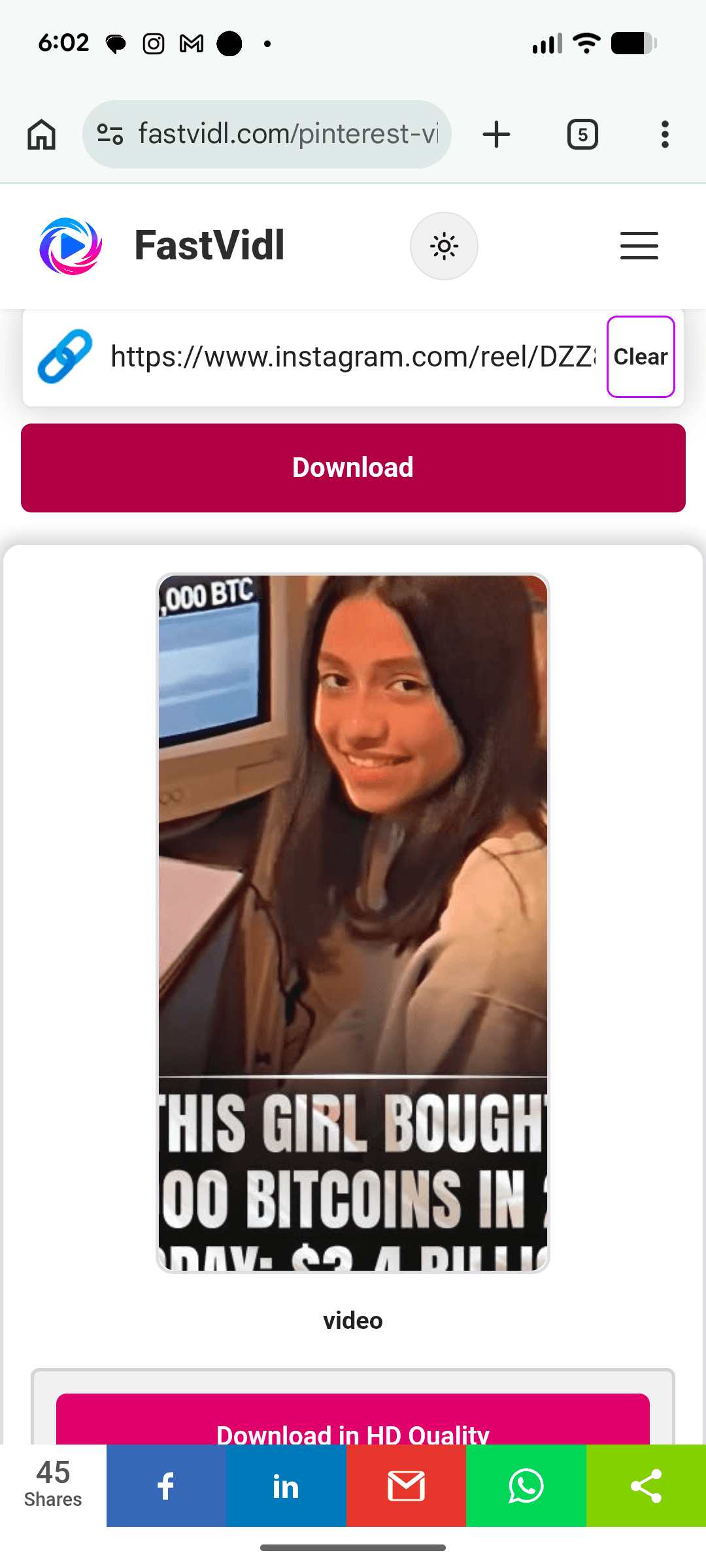
تنزيل محتوى Instagram على Android باستخدام FastVidl في Chrome

على نظام التشغيل Windows أو Mac

الصق عنوان URL العام للبكرة (instagram.com/reel/…) في المربع وانقر فوق تنزيل.
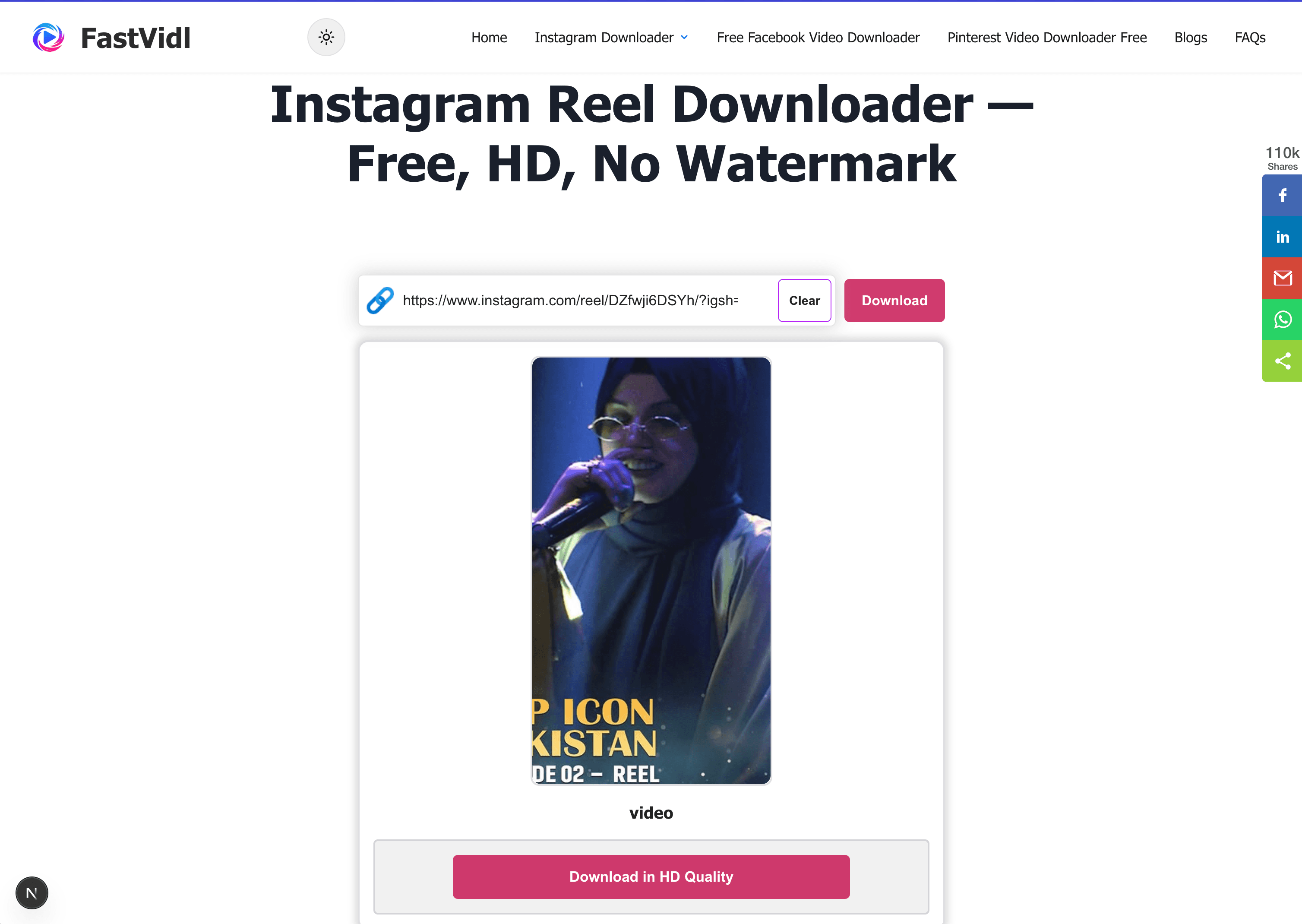
تنزيل محتوى Instagram على نظام التشغيل Windows أو Mac باستخدام FastVidl في متصفح سطح المكتب

أي الروابط تعمل؟

تعمل عناوين URL العامة التي تحتوي على /reel/ أو /reels/ والروابط القصيرة لورقة المشاركة عندما يكون الملف الشخصي عامًا. لا يمكن جلب البكرات الخاصة ومحتوى الأصدقاء المقربين.

الجودة والعلامات المائية

يقوم FastVidl بتنزيل ملف البكرة الذي يقدمه Instagram، عادةً بدقة تصل إلى 1080 بكسل، ولا يضيف أي شيء إليه. يقوم تنزيل البكرة المدمج في Instagram بختم المقطع بعلامة Instagram المائية واسم المستخدم؛ FastVidl لا يفعل ذلك.

استكشاف الأخطاء وإصلاحها

  • Private account: Only public reels work.
  • Deleted reel: Copy a fresh link or confirm the reel still plays publicly.
  • Muted audio: Licensed music may be restricted at source on some reels.

هل هو قانوني؟

الاستخدام الشخصي دون اتصال بالإنترنت جيد بشكل عام. انظر لدينا تنصل.

الأسئلة المتداولة

هل FastVidl مجاني حقًا؟

نعم. لا توجد حدود للتنزيل، ولا طبقة متميزة، ولا اشتراك. الموقع مدعوم بالإعلانات.

هل أحتاج إلى تثبيت التطبيق؟

لا، يعمل FastVidl بالكامل في متصفحك على أي جهاز.

هل سيكون للبكرة علامة مائية؟

لا، يمكنك الحصول على الملف الأصلي تمامًا كما يقدمه Instagram. يضيف تنزيل البكرة داخل التطبيق الخاص بـ Instagram علامة مائية، لكن FastVidl لا يفعل ذلك.

هل يمكنني تنزيل بكرات خاصة؟

لا، FastVidl يعمل فقط مع البكرات التي يمكن الوصول إليها بشكل عام، ولا نطلب منك تسجيل الدخول تحت أي ظرف من الظروف.

ما هي الجودة التي سأحصل عليها؟

نفس الجودة التي قام المنشئ بتحميلها، وعادةً ما تصل إلى 1080 بكسل. لا يمكننا زيادة الجودة خارج الملف المصدر.

لماذا فشل تنزيل البكرة الخاصة بي؟

الأسباب الشائعة هي الروابط منتهية الصلاحية أو الحسابات الخاصة أو البكرات المحذوفة. تأكد من تشغيل البكرة علنًا دون تسجيل الدخول، ثم انسخ رابطًا جديدًا من Share.

هل يقوم Instagram بإخطار المنشئ عندما أقوم بالتنزيل؟

لا. لا يؤدي تنزيل مقطع عام من خلال أداة المتصفح إلى إرسال إشعار إلى منشئ المحتوى.

المزيد من FastVidl

تنزيل فيديو انستقرام, تنزيل قصة الانستقرام, and برنامج تحميل فيديوهات الفيس بوك.

Paste a public Instagram Reel link above and FastVidl fetches the original MP4 with the original sound, free, typically up to 1080p, no watermark, no login, and nothing to install.

How to download an Instagram Reel

Copy the public reel link from Share, paste it into the box at the top of this page, and tap Download.

  1. Open the Reel on a public profile.
  2. Tap Share → Copy link.
  3. Paste here and tap Download.
  4. Save the MP4.

On iPhone

Copy the reel link, open this page in Safari, paste, and download. Instagram's own reel save adds a watermark, FastVidl gives you the original file. Use Open Share Sheet → Save Video for Photos.

Download in HD Quality and Open Share Sheet buttons on iPhone
FastVidl download ready on iPhone in Safari
iOS share sheet showing Save Video to save the clip to Photos

On Android

Copy the link, open Chrome, paste, and download. The reel saves to Downloads and usually appears in your gallery.

Downloading Instagram content on Android with FastVidl in Chrome

On Windows or Mac

Paste a public reel URL (instagram.com/reel/…) into the box and click Download.

Downloading Instagram content on Windows or Mac with FastVidl in a desktop browser

Which links work?

Public reel URLs containing /reel/ or /reels/ and share-sheet short links work when the profile is public. Private reels and close friends content cannot be fetched.

Quality and watermarks

FastVidl downloads the reel file Instagram serves, typically up to 1080p, and adds nothing to it. Instagram's built-in reel download stamps the clip with an Instagram watermark and username; FastVidl does not.

Troubleshooting

  • Private account: Only public reels work.
  • Deleted reel: Copy a fresh link or confirm the reel still plays publicly.
  • Muted audio: Licensed music may be restricted at source on some reels.

Is it legal?

Personal offline use is generally fine. See our disclaimer.

Frequently asked questions

Is FastVidl really free?

Yes. There are no download limits, no premium tier, and no signup. The site is supported by ads.

Do I need to install an app?

No. FastVidl runs entirely in your browser on any device.

Will the reel have a watermark?

No. You get the original file exactly as Instagram serves it. Instagram's own in-app reel download adds a watermark, but FastVidl does not.

Can I download private reels?

No. FastVidl only works with publicly accessible reels, and we don't ask for your login under any circumstances.

What quality will I get?

The same quality the creator uploaded, typically up to 1080p. We can't increase quality beyond the source file.

Why did my reel download fail?

Common causes are expired links, private accounts, or deleted reels. Confirm the reel plays publicly without logging in, then copy a fresh link from Share.

Does Instagram notify the creator when I download?

No. Downloading a public reel through a browser tool does not send a notification to the creator.

FastVidl هي أداة مستقلة وليست تابعة أو معتمدة من قبل أو مرتبطة رسميًا بأي شكل من الأشكال بـ Instagram أو Meta Platforms أو Facebook أو Pinterest أو أي نظام أساسي آخر. جميع أسماء المنتجات والشعارات هي علامات تجارية لأصحابها.