FastVidl

Facebook Video İndirici— Ücretsiz, HD, Filigran Yok

Facebook videosu nasıl indirilir

Herkese açık video bağlantısını Facebook'tan kopyalayın, bu sayfanın üst kısmındaki kutuya yapıştırın ve İndir'e dokunun. Tüm süreç yaklaşık on saniye sürer.

  1. Open the public video or Reel on Facebook.
  2. Tap Share and choose "Copy link".
  3. Paste the link here and tap Download.
  4. Save the MP4 to your device.

iPhone'da

Bağlantıyı Facebook uygulamasından kopyalayın, bu sayfayı Safari'de açın, yapıştırın ve indirin. Paylaşım Sayfasını Aç → Fotoğraflar için Video Kaydet'i kullanın veya önce Dosyalara kaydedin.
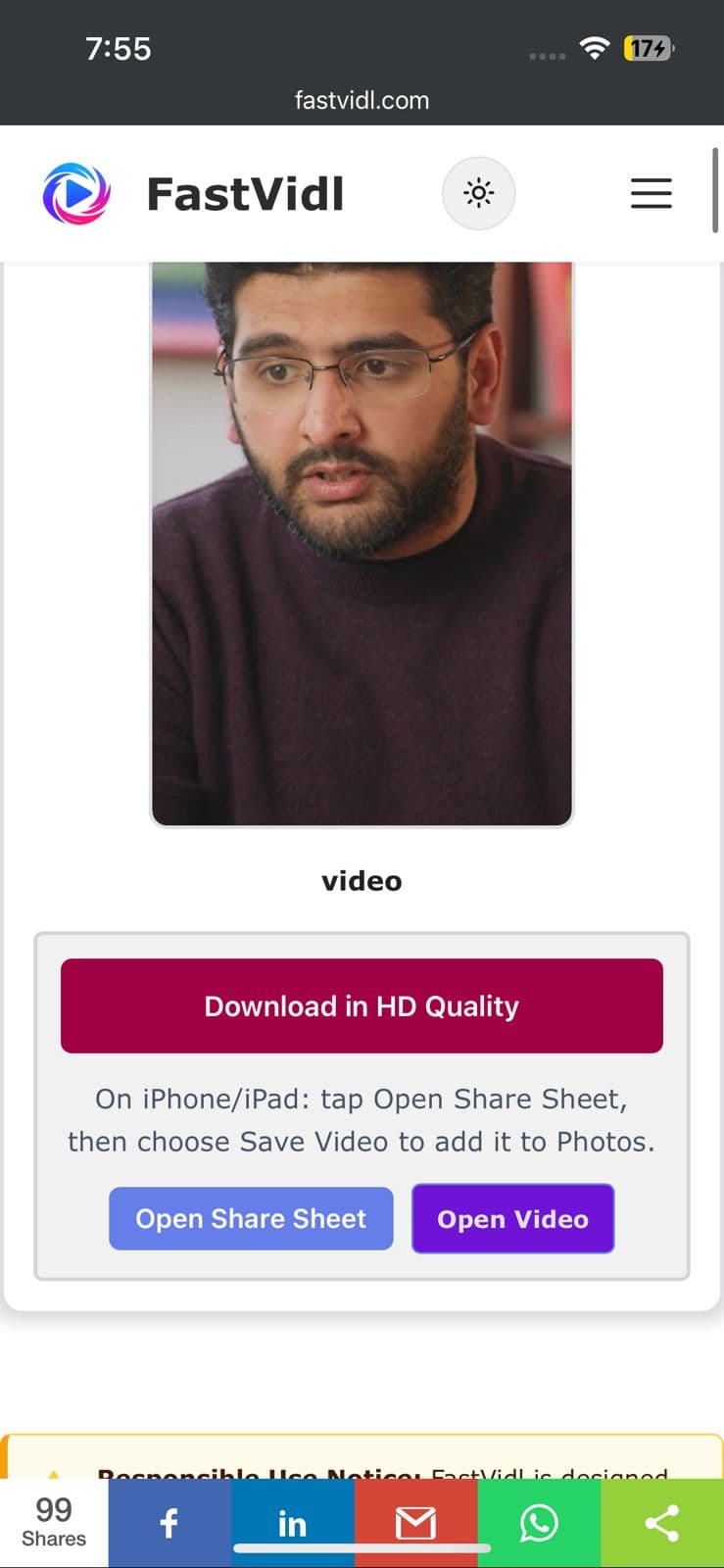
iPhone'da Facebook videosu için HD Kalitede İndir ve Paylaşım Sayfasını Aç düğmeleri
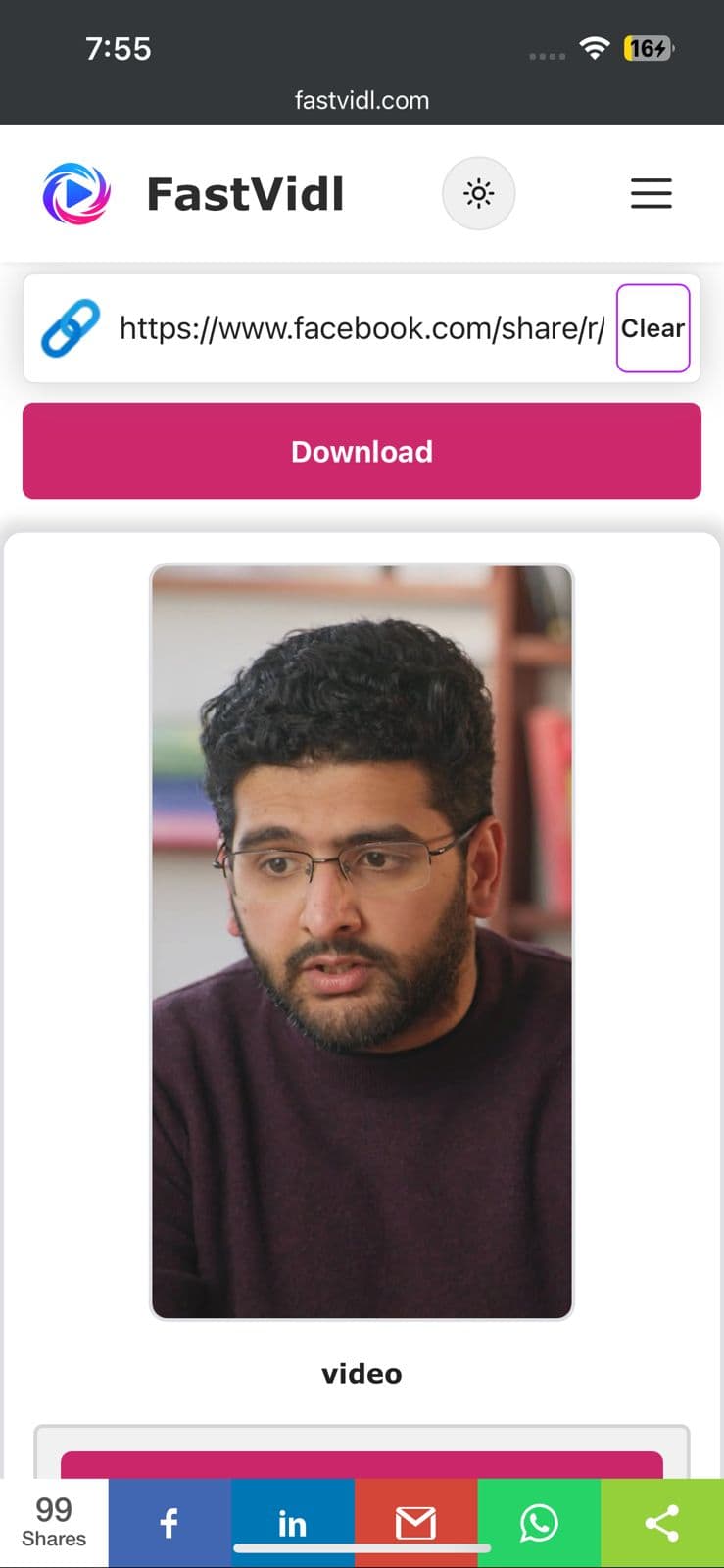
FastVidl Facebook videosunu iPhone'da Safari'de indirmeye hazır
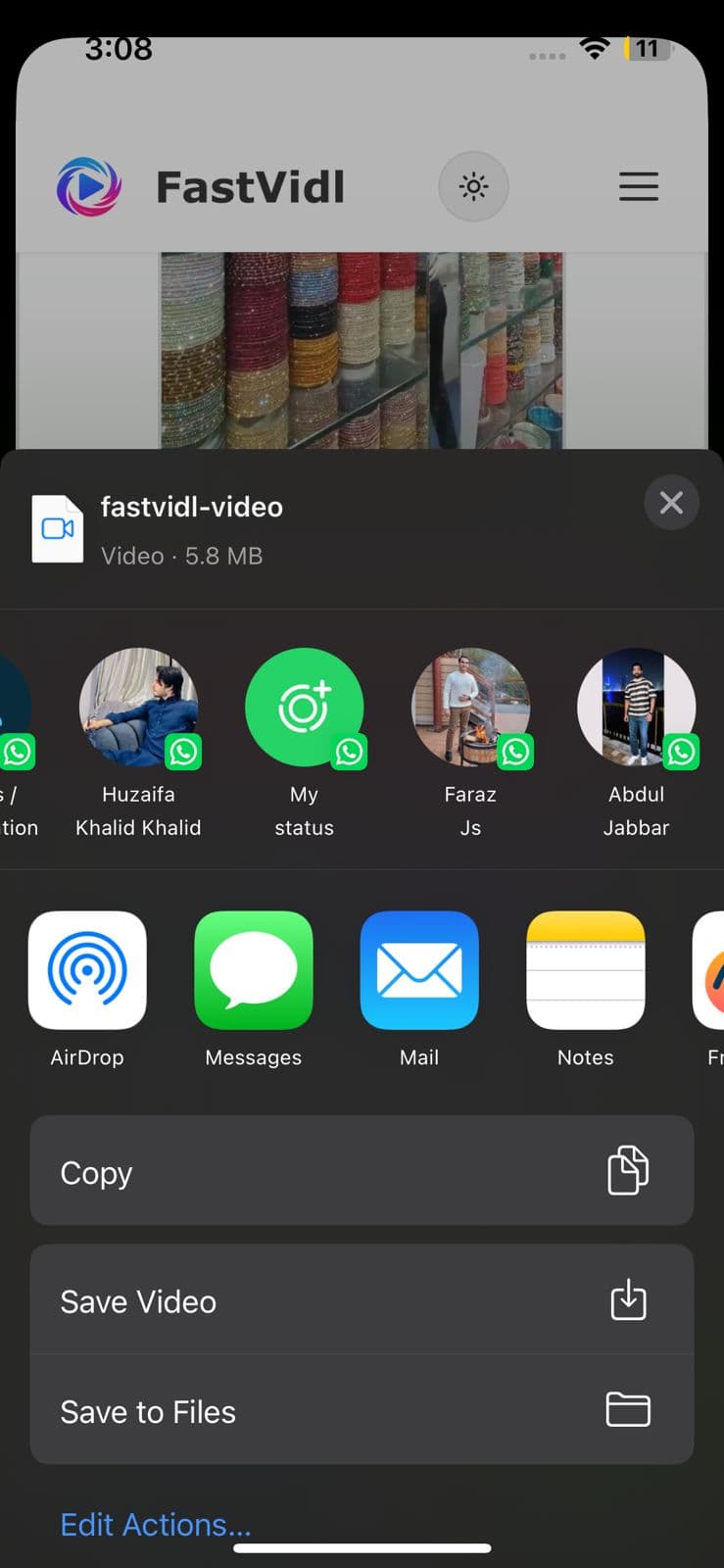
Klibi Fotoğraflar'a kaydetmek için Videoyu Kaydet'i gösteren iOS paylaşım sayfası

Android'de

Bağlantıyı kopyalayın, bu sayfayı Chrome'da açın, yapıştırın ve indirin. Dosyalar genellikle İndirilenler'de ve galerinizde görünür.
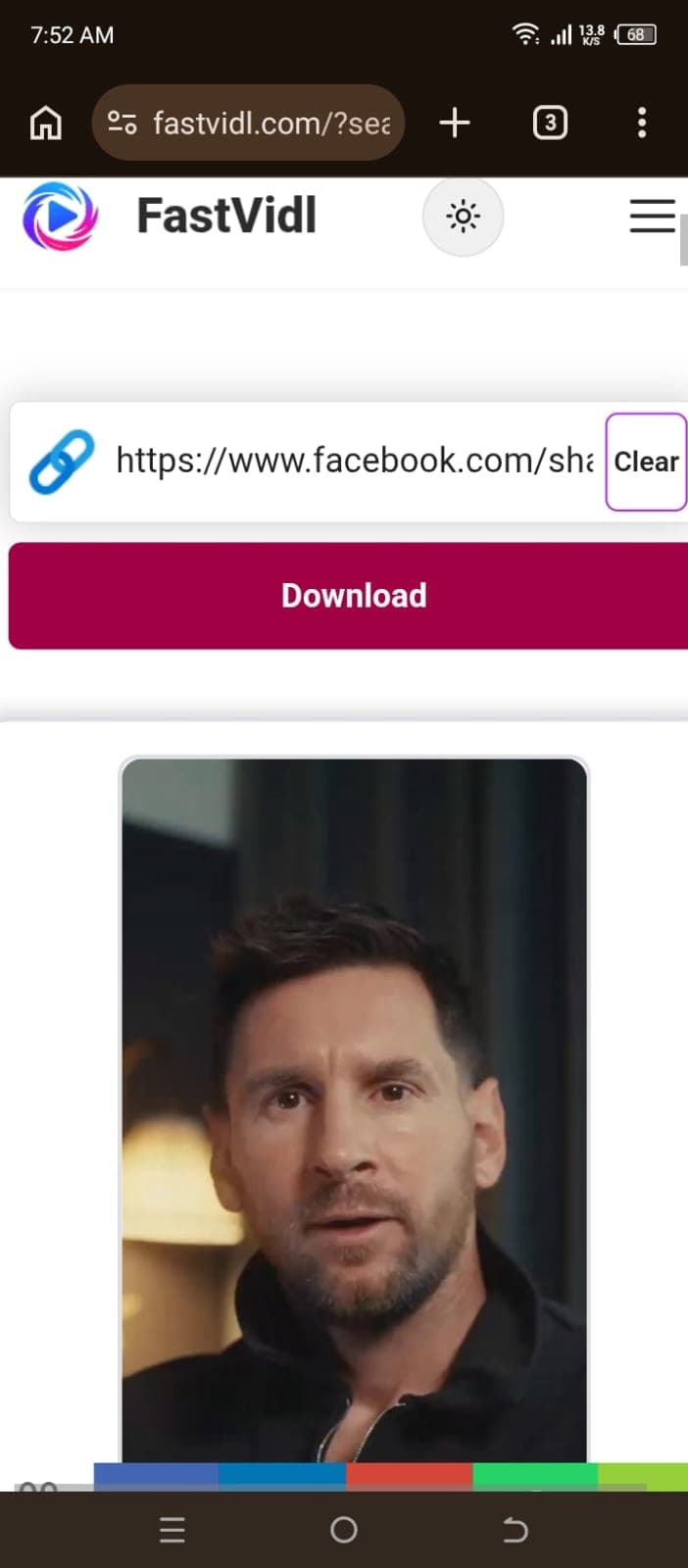
Chrome'da FastVidl ile Android'de bir Facebook videosu indirme

Windows veya Mac'te

Video URL'sini adres çubuğundan veya Paylaş menüsünden kopyalayın, buraya yapıştırın ve İndir'i tıklayın.
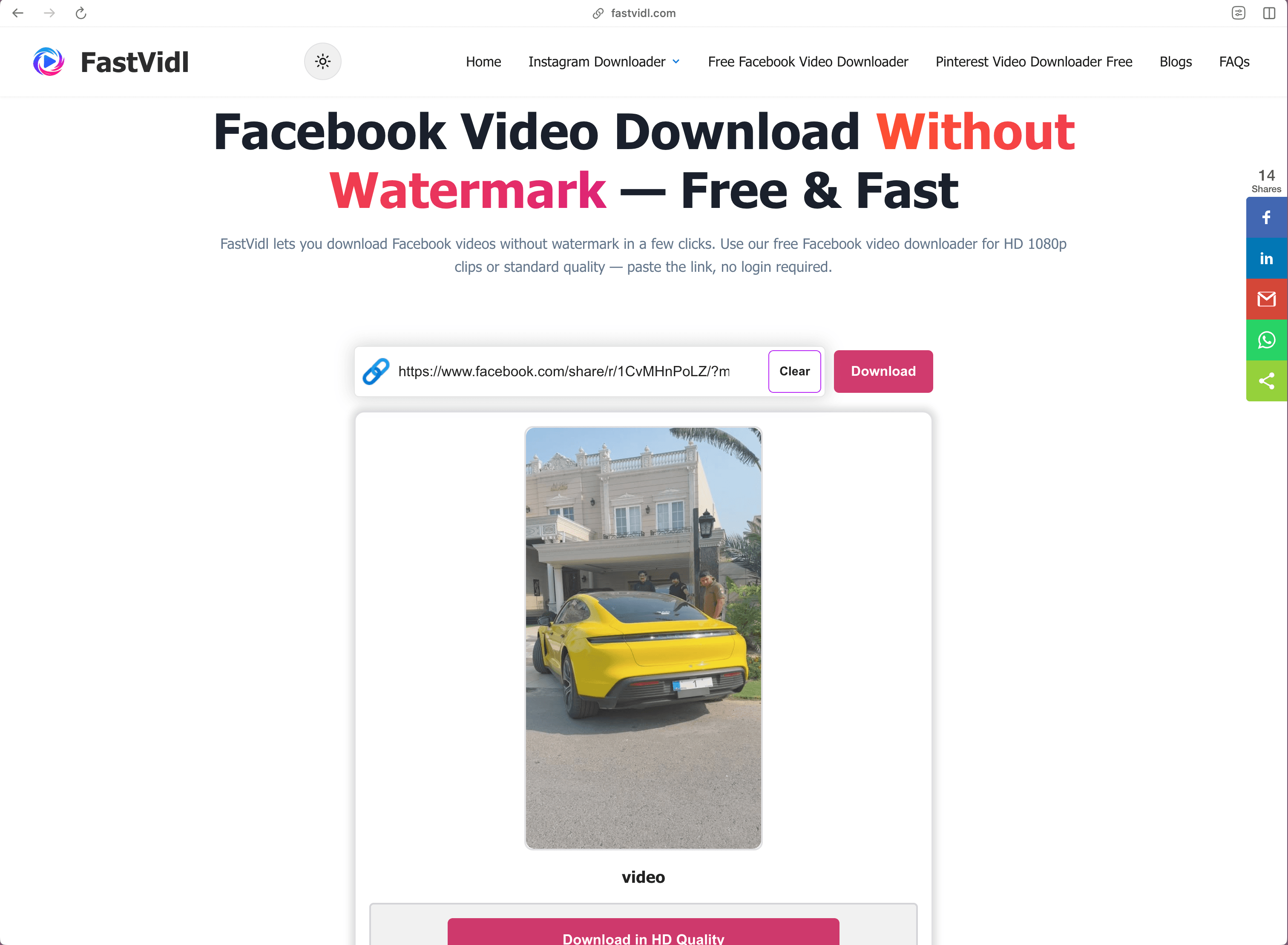
Bir masaüstü tarayıcısında FastVidl ile Windows veya Mac'te bir Facebook videosu indirme

Facebook Reels nasıl indirilir

Facebook Reels aynı iş akışını kullanır: reel bağlantısını kopyalayın (URL genellikle /reel/ içerir), bunu FastVidl'e yapıştırın ve MP4'ü kaydedin. "Medya kullanılamıyor" ifadesini görürseniz video özel olabilir, bölge kilitli olabilir veya kaldırılmış olabilir, Facebook'ta herkese açık olarak oynatıldığını onaylayın ve ardından yeni bir bağlantı kopyalayın.

URL ister /reel/ ister /watch/ içeriyor olsun, bu sayfadaki yapıştırma ve indirme adımları aynıdır.

Hangi bağlantılar çalışıyor?

FastVidl, facebook.com/watch/, /reel/ ve fb.watch kısa bağlantıları dahil olmak üzere genel genel Facebook video URL'lerini destekler. Özel gönderiler, yalnızca gruba özel videolar ve aktif canlı yayınlar indirilemez.

Sorun giderme

  • Media not available: The post may be private, deleted, or restricted. Copy a new link from Share on a public post.
  • Live stream: Active live broadcasts cannot be saved mid-stream. Try again after a public replay is posted, if Facebook serves one.
  • No sound: See our Facebook video no sound guide .

Kalite, filigranlar ve gizlilik

FastVidl, Facebook'un bu genel gönderi için sunduğu dosyayı indirir ve ona hiçbir şey, logo veya damga eklemez. Videoyu yeniden kodlamıyoruz. Kalite, Facebook'un bu yükleme için sunduğu şeydir, genellikle 1080p'ye kadar. Facebook giriş bilgilerinizi istemiyoruz ve indirdiklerinizi sunucularımızda saklamıyoruz.

Test notlarımız

Nisan 2026'da herkese açık Facebook izleme videolarını ve Makaraları masaüstü Edge ve mobil Chrome'da test ettik. Standart yayın videoları genellikle 5-12 saniyede çözümlenir. Bazı Reels başlangıçta "Medya kullanılamıyor" nedeniyle başarısız oldu; yeni bir genel bağlantıyla yeniden denemek genellikle 20 saniye içinde işe yaradı. Aktif canlı yayınlar yayının ortasında indirilemedi.

Facebook videolarını indirmek yasal mı?

Kişisel çevrimdışı referans genellikle iyidir; yeniden yayınlanması veya ticari olarak yeniden kullanılması izin gerektirir. Bizimkilere bakın sorumluluk reddi beyanı.

Sık sorulan sorular

FastVidl Facebook videoları için gerçekten ücretsiz mi?

Evet. İndirme sınırı yok, premium katman yok ve kayıt yok. Site reklamlarla desteklenmektedir.

Bir uygulama yüklemem gerekiyor mu?

Hayır. FastVidl, herhangi bir cihazdaki tarayıcınızda tamamen çalışır. APK veya EXE yüklemelerini zorlayan indirici sitelere karşı dikkatli olun; bir video indiricinin hiçbir zaman bunlara ihtiyacı yoktur.

Videoda filigran olacak mı?

Hayır. Orijinal dosyayı, FastVidl tarafından hiçbir şey eklenmeden, tam olarak Facebook'un sunduğu haliyle alırsınız.

Facebook Reels'i indirebilir miyim?

Evet. Herkese açık Reel bağlantısını kopyalayın (facebook.com/reel/…), buraya yapıştırın ve MP4'ü kaydedin. Özel veya kısıtlı makaralar getirilemez.

Facebook neden medyanın indirilemeyeceğini söylüyor?

Bazı makaralar bölge kilitlidir, silinmiştir veya özel olarak işaretlenmiştir. Gönderinin herkese açık olduğunu onaylayın, Paylaş bölümünden bağlantıyı yenileyin ve yeniden deneyin. İçerik oluşturucu videoyu kaldırmışsa hiçbir indirici videoyu kurtaramaz.

Canlı yayınları yayın sırasında indirebilir miyim?

Hayır. Aktif canlı yayınlar, yayının ortasında indirilemez. Canlı yayın sona erdikten sonra, Facebook dosyayı sunmaya devam ediyorsa herkese açık bir tekrar oynatma bağlantısı çalışabilir.

Bir Facebook videosunu telefonumun galerisine nasıl kaydederim?

Android'de indirilenler genellikle İndirilenler klasöründe ve galerisinde görünür. iPhone'da, Safari'den Dosyalar'a kaydedin, ardından Paylaş ve Videoyu Kaydet'e dokunarak onu Fotoğraflar'a taşıyın.

FastVidl'den daha fazlası

Instagram Reel İndirici, Instagram Hikaye İndirici, and Pinterest Video İndirici.

Paste a public Facebook video or Reel link above and this free online Facebook video downloader fetches the original MP4 in HD, no watermark added, no login, and nothing to install. Quality typically reaches 1080p for most public posts and Reels.

How to download a Facebook video

Copy the public video link from Facebook, paste it into the box at the top of this page, and tap Download. The whole process takes about ten seconds.

  1. Open the public video or Reel on Facebook.
  2. Tap Share and choose "Copy link".
  3. Paste the link here and tap Download.
  4. Save the MP4 to your device.

On iPhone

Copy the link from the Facebook app, open this page in Safari, paste, and download. Use Open Share Sheet → Save Video for Photos, or save to Files first.

Download in HD Quality and Open Share Sheet buttons for Facebook video on iPhone
FastVidl Facebook video download ready on iPhone in Safari
iOS share sheet showing Save Video to save the clip to Photos

On Android

Copy the link, open this page in Chrome, paste, and download. Files usually appear in Downloads and your gallery.

Downloading a Facebook video on Android with FastVidl in Chrome

On Windows or Mac

Copy the video URL from the address bar or Share menu, paste it here, and click Download.

Downloading a Facebook video on Windows or Mac with FastVidl in a desktop browser

How to download Facebook Reels

Facebook Reels use the same workflow: copy the reel link (the URL usually contains /reel/), paste it into FastVidl, and save the MP4. If you see "Media not available," the reel may be private, region-locked, or removed, confirm it plays publicly on Facebook, then copy a fresh link.

Whether the URL contains /reel/ or /watch/, the paste-and-download steps on this page are the same.

Which links work?

FastVidl supports common public Facebook video URLs, including facebook.com/watch/, /reel/, and fb.watch short links. Private posts, group-only videos, and active live streams cannot be downloaded.

Troubleshooting

  • Media not available: The post may be private, deleted, or restricted. Copy a new link from Share on a public post.
  • Live stream: Active live broadcasts cannot be saved mid-stream. Try again after a public replay is posted, if Facebook serves one.
  • No sound: See our Facebook video no sound guide.

Quality, watermarks, and privacy

FastVidl downloads the file Facebook serves for that public post and adds nothing to it, no logo, no stamp. We do not re-encode the video. Quality is whatever Facebook exposes for that upload, typically up to 1080p. We do not ask for your Facebook login and do not store your downloads on our servers.

Our testing notes

In April 2026 we tested public Facebook watch videos and Reels on desktop Edge and mobile Chrome. Standard feed videos usually resolved in 5–12 seconds. Some Reels initially failed with "Media not available", retrying with a fresh public link often worked within 20 seconds. Active live streams could not be downloaded mid-broadcast.

Is it legal to download Facebook videos?

Personal offline reference is generally fine; republication or commercial reuse requires permission. See our disclaimer.

Frequently asked questions

Is FastVidl really free for Facebook videos?

Yes. There are no download limits, no premium tier, and no signup. The site is supported by ads.

Do I need to install an app?

No. FastVidl runs entirely in your browser on any device. Be cautious of downloader sites that push APK or EXE installs. A video downloader never needs one.

Will the video have a watermark?

No. You get the original file exactly as Facebook serves it, with nothing added by FastVidl.

Can I download Facebook Reels?

Yes. Copy the public Reel link (facebook.com/reel/…), paste it here, and save the MP4. Private or restricted reels cannot be fetched.

Why does Facebook say media is not available for download?

Some reels are region-locked, deleted, or marked private. Confirm the post is public, refresh the link from Share, and retry. If the creator removed the video, no downloader can recover it.

Can I download live streams while they are broadcasting?

No. Active live streams cannot be downloaded mid-broadcast. After a live ends, a public replay link may work if Facebook still serves the file.

How do I save a Facebook video to my phone gallery?

On Android, downloads usually appear in the Downloads folder and gallery. On iPhone, save from Safari to Files, then tap Share and Save Video to move it to Photos.

FastVidl bağımsız bir araçtır ve Instagram, Meta Platformları, Facebook, Pinterest veya başka herhangi bir platformla bağlantısı yoktur, bunlar tarafından onaylanmaz veya herhangi bir şekilde resmi olarak bağlantılı değildir. Tüm ürün adları ve logolar ilgili sahiplerinin ticari markalarıdır.