
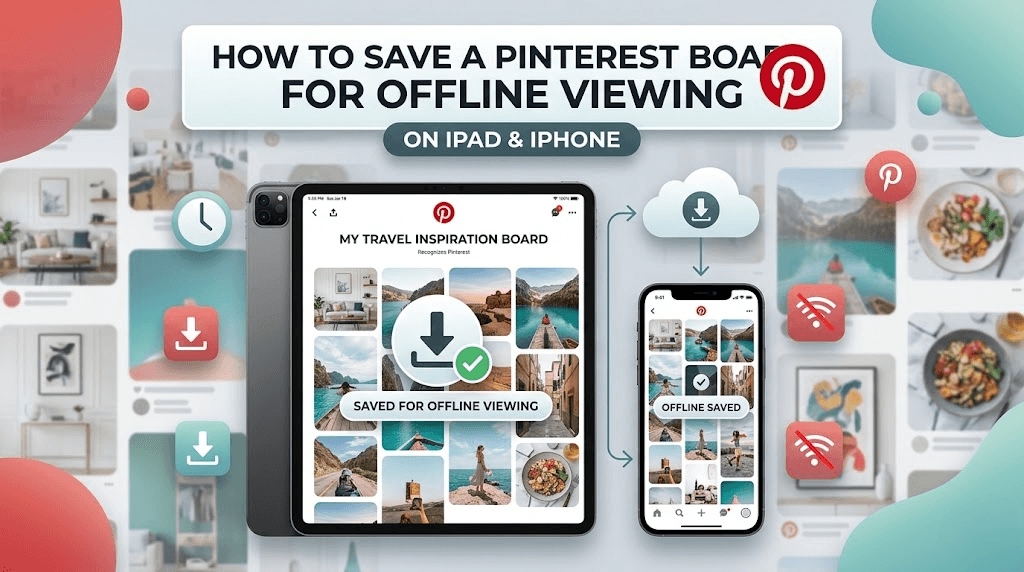
Written by Raja Jahangir (SEO & Growth Specialist). Powered by Auroxa Tech. Last Updated: 15 May 2026
Table of Contents
- Why Pinterest Blocks Offline Viewing
- How to Save a Pinterest Board for Offline Viewing on iPad iPhone Free
- Finding a Reliable Free Pinterest Board Downloader
- Step-by-Step: Download All Pins from Pinterest Board Free
- Organizing Your Offline Pins on Apple Devices
- What About Private or Secret Boards?
- Meet the Team Behind FastVidl
- Conclusion
- Frequently Asked Questions
You just spent three weeks building the ultimate Pinterest board. Maybe it is for a wedding, a kitchen remodel, or a massive graphic design project.
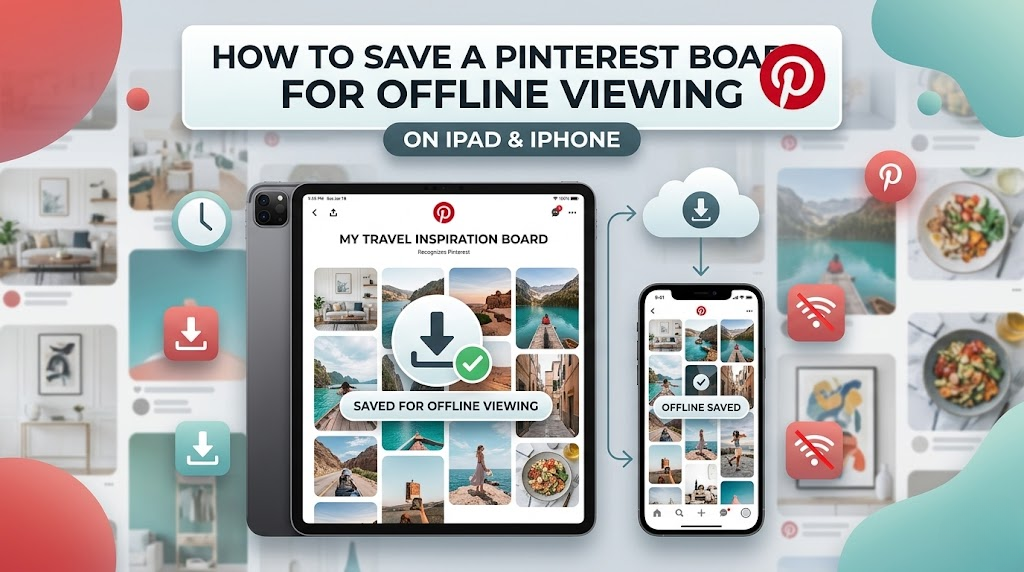
You pack up your iPad and head over to your contractor's office to show them your ideas. But when you get there, the Wi-Fi is completely dead. Your Pinterest board will not load, and you are left staring at a blank, gray screen.
This happens all the time. Social media platforms absolutely hate letting you take your favorite content offline. They want you connected to their servers so they can keep showing you advertisements.
We see this exact same annoying behavior on other apps. For example, think about how the native Instagram app makes it impossible to download a full carousel at once. You are forced to take a dozen messy screenshots just to save a few pictures.
That is exactly why we built tools like our FastVidl Instagram Story Downloader. It acts as the ultimate, one-click solution to grab those hidden files instantly and safely to your phone.
The exact same frustrating rule applies to your Pinterest boards. The app wants to keep your inspiration locked away. But do not worry. I will show you exactly how to bypass these restrictions so you can view your entire board anywhere, anytime, without needing an internet connection.
Why Pinterest Blocks Offline Viewing
If you look closely at the Pinterest app, there is no "Save Board Offline" button. You can save an individual pin to your camera roll, but you cannot download a folder containing a hundred images all at once.
Pinterest does this to save bandwidth and protect creators' copyrights. However, it completely ruins the user experience for planners and designers who need to work on the go.
If you are traveling on an airplane, sitting on a train, or visiting a remote location without cell service, your carefully curated boards become totally useless. You need a way to move those images off the app and onto your iPad's internal hard drive.
Archiving a curated board keeps your creative assets accessible even when you don't have cellular data. If your collection consists heavily of background designs and aesthetic graphics, make sure you are extracting them at maximum resolution by reading our guide on how to download HD wallpapers from Pinterest on iPhone (full quality).
How to Save a Pinterest Board for Offline Viewing on iPad iPhone Free
If you have an iPad or an iPhone, you already have the perfect built-in tool for managing files: the native Apple "Files" app.
You do not need to pay for an expensive app subscription to get your pins. People constantly search for how to save a pinterest board for offline viewing on ipad iphone free, and the answer is actually very straightforward.
You just need to use our web-based downloading tool in your Safari browser. This method skips the Pinterest app entirely and pulls the high-definition images directly from the server.
Because you are using Safari, the downloaded files go straight into your Apple Files folder, where they stay safe and available even when your device is on Airplane Mode.
Finding a Reliable Free Pinterest Board Downloader
If you search the App Store, you will find dozens of apps claiming to download boards. Most of them are terrible. They are loaded with pop-up ads, they drain your battery, and some even ask for your Pinterest login password.
Never give your password to a random third-party app. That is a huge security risk.
Instead, you need to use a browser-based free Pinterest board downloader. A good web tool does not require you to log in. It simply reads the public web address of your board and extracts the images for you. It is fast, secure, and works perfectly on both iPads and iPhones.
Step-by-Step: Download All Pins from Pinterest Board Free
Ready to get your inspiration offline? Make sure your board is set to "Public" before you start, and then follow these simple steps.
Here is exactly how to download all pins from Pinterest board free:
- Copy the Board Link: Open the Pinterest app on your iPad or iPhone. Go to your profile, tap on the board you want to save, hit the Share icon (the three dots or the arrow), and select Copy Link.
- Open Safari: Close Pinterest and launch your Safari web browser.
- Visit the Tool: Go to a secure FastVidl downloader website.
- Paste the URL: Tap the white search box and paste your copied board link. Hit the download button.
- Process the Images: The tool will scan the board and pull up the high-quality image files.
- Save the Files: Tap the download button next to the images. On Apple devices, Safari will send these straight to your "Downloads" folder inside your native Files app.
Now you can open the Files app anytime, anywhere, and view your images without an internet connection.
Organizing Your Offline Pins on Apple Devices
Once you have your pins downloaded, having a giant list of files in your "Downloads" folder can get messy.
Take five minutes to organize them so they look great when you present them to a client or friend. Open the Files app on your iPad or iPhone and create a new folder. Name it something clear, like "Kitchen Remodel Ideas" or "Wedding Flowers".
Select all the downloaded pins and move them into this new folder. You can even swipe through them just like a normal photo gallery.
If you prefer to have them in your main camera roll, you can select the images in the Files app, tap the Share button, and hit Save Images. This will drop them right into your Apple Photos app.
What About Private or Secret Boards?
There is one small catch to using web-based tools. They can only see what the public can see.
If you have a board set to "Secret", the downloader tool will not be able to find it. The server will just hit a privacy wall and give you an error message.
To fix this, you temporarily need to change your board settings. Go into Pinterest, edit the board, and toggle the privacy setting to "Public."
Once the board is public, copy the link and use the downloader tool. As soon as you finish downloading the images to your iPad, you can go right back into Pinterest and make the board secret again.
For individual HD wallpapers from Pinterest, see our guide on downloading HD wallpapers from Pinterest on iPhone.
If you cannot save Pinterest pins at all, first check our guide on why Pinterest is not letting you save pictures.
Meet the Team Behind FastVidl
FastVidl was built by a dedicated team focused on modern video downloading workflows. By combining technical precision with search expertise, we keep the platform fast, secure and free.
Raja Jahangir: SEO & Growth Expert — Bringing 3 years of SEO experience, Raja helps keep FastVidl user-centric and privacy-focused. Connect on LinkedIn. Powered by Auroxa Tech.
Conclusion
Losing access to your carefully planned Pinterest board just because you walked into a room with bad Wi-Fi is incredibly frustrating. Social apps want you connected 24/7, but that is not always realistic for creative projects.
Fortunately, you do not have to rely on the app's limitations. By using a secure web downloader on your Safari browser, you take full control of your inspiration.
Whether you are packing your iPad for a client meeting or just want to view your ideas on an airplane, downloading your pins to the Apple Files app is the smartest move you can make.
Next time you finish building a massive board, do not leave it trapped on the internet. Copy the link, use a free web tool, and get your files saved offline where they belong.
If the board includes video pins you want to keep for offline viewing, use our Pinterest video downloader.
Frequently Asked Questions
How to save a pinterest board for offline viewing on ipad iphone free?
You can do this by copying the link to your public Pinterest board and pasting it into a free, FastVidl Pinterest Downloader using Safari. The tool will extract the images and save them directly to the native "Files" app on your Apple device.
Is there a free Pinterest board downloader that actually works?
Yes, FastVidl is completely free and highly reliable. Unlike spammy App Store applications,FastVidl does not require subscriptions, logins, or software installations to fetch your images.
Can I download all pins from Pinterest board free at the exact same time?
Some web tools allow batch downloading, but many require you to download the extracted images one by one. Check the specific features of the downloader tool you are using. If your board has hundreds of pins, it may take a few minutes to tap "download" for each high-quality file.
Why does my board link give me an error on the downloader?
This almost always happens because your Pinterest board is set to "Secret." Web tools cannot bypass privacy settings. You must change the board to "Public" temporarily to extract the images.
Will downloading images from Pinterest fill up my iPad storage?
Images take up much less space than videos, but a board with 500 high-definition pins will eventually take up a noticeable chunk of memory. If your iPad is running out of storage, consider moving your finished offline boards to iCloud or a computer.
Have more questions? Visit our complete FAQ page.