
Written by Raja Jahangir (SEO & Growth Specialist). Powered by Auroxa Tech. Last Updated: 12 May 2026
Table of Contents
- Why is the Download Button Missing?
- The Ultimate Workaround: Bypass the App
- 4 Quick Fixes for the Pinterest App
- What About Saving Pinterest Videos?
- Meet the Team Behind FastVidl
- Conclusion
- Frequently Asked Questions
You just found the perfect living room design or a mouth-watering dinner recipe on Pinterest. You tap the screen to save the image to your phone, but absolutely nothing happens. Maybe the "Download image" button is completely missing from the menu. Or perhaps you tap the button, but the picture never actually shows up in your camera roll.
It is incredibly annoying when technology gets in the way of building your inspiration board. You just want to save your ideas and move on with your day.
In this post, I will explain exactly why the Pinterest app is acting up. More importantly, I will walk you through a few simple, proven fixes to get your app downloading smoothly again.
Why is the Download Button Missing?
Before we start changing settings on your phone, you should know that the problem might not actually be your fault. Sometimes, the original creator of the pin decides to lock their content. Pinterest allows account owners to turn off the "Download image" feature to protect their artwork, photography, or digital products from being copied.
If you tap the three little dots in the top corner of a pin and the download option is just gone, the creator probably disabled it. If you only have trouble saving one specific picture but other pins work perfectly fine, this is definitely the reason.
But what if you cannot save any pictures at all? That means your app is glitching, your cache is full, or your internet is acting up.
The Ultimate Workaround: Bypass the App
If you are in a rush and just need to save an image right now, do not waste time fighting with your phone settings. You can completely ignore the broken app.
You can easily bypass Pinterest's restrictions by using a secure web-based tool. This works even if the original creator turned the download button off.
Just tap the share icon on the pin, copy the link, and paste it into our free FastVidl Pinterest Video/Image Downloader.
This tool extracts the high-quality image file and saves it directly to your camera roll. It works every single time, takes zero storage space on your phone, and gets you the picture in seconds.
4 Quick Fixes for the Pinterest App
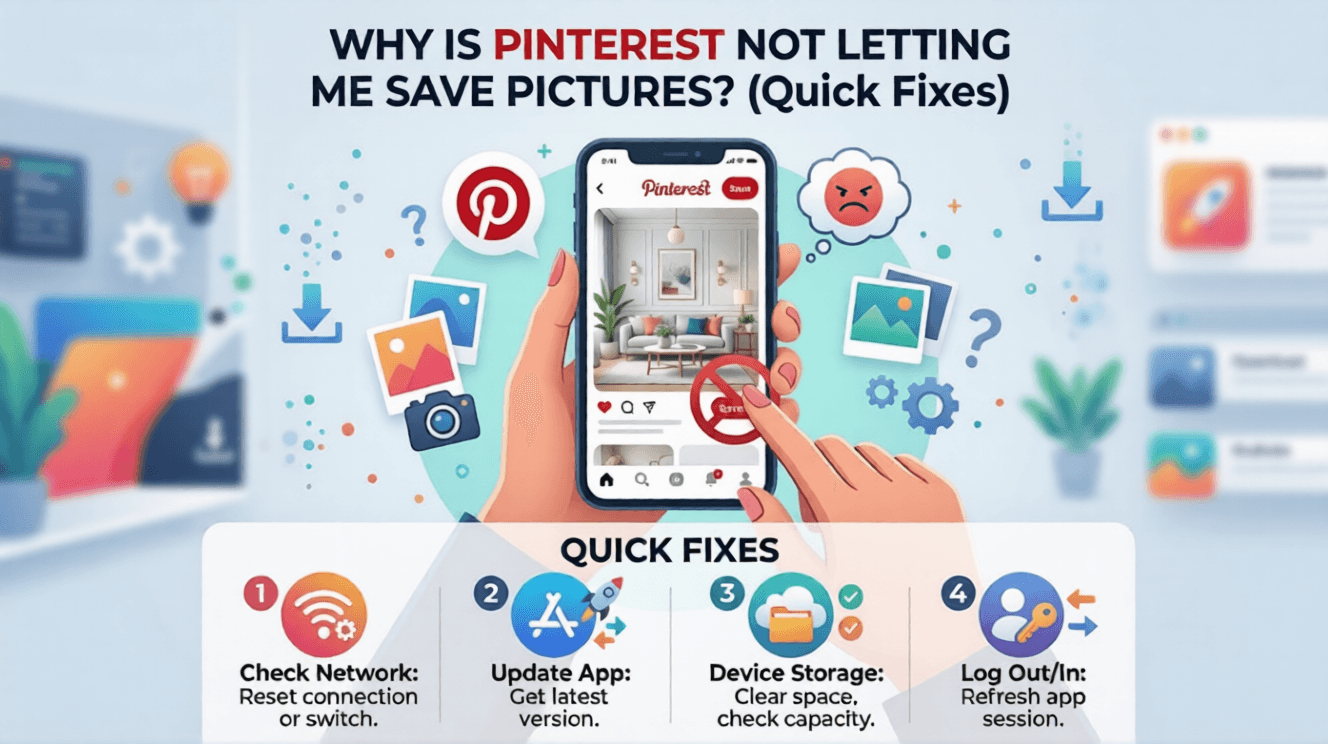
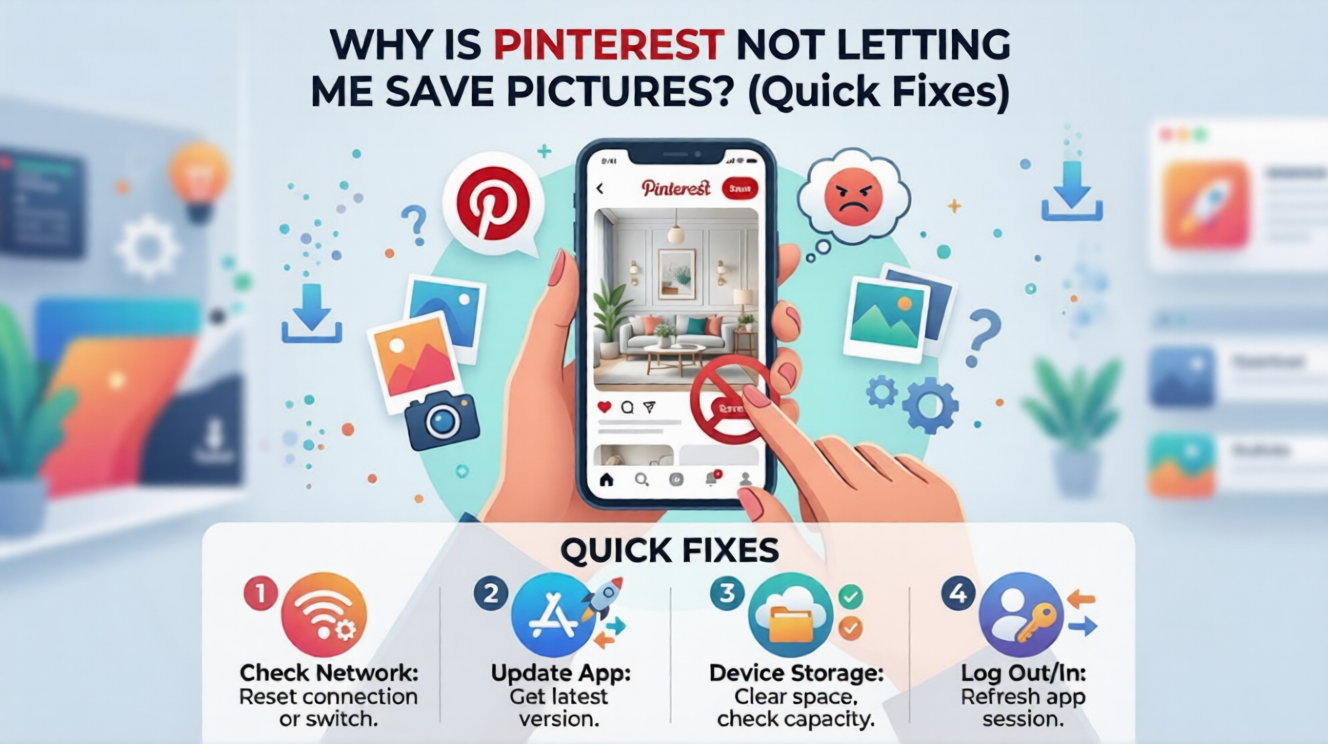
If you want to get the actual Pinterest mobile app working properly again, try these simple troubleshooting steps. Test a picture after each step to see if the problem is fixed.
Clear Your Pinterest App Cache
As you scroll through thousands of pins, your phone saves tiny background files to make the app load faster. This is called the app cache.
When this hidden storage gets too full, the app starts to break down. The download function is usually the first thing to stop working.
If you use an Android phone, go to your Settings, open the Apps menu, find Pinterest, and tap Clear Cache.
If you use an iPhone, you will need to open the Pinterest app itself. Go to your profile, tap the gear icon for settings, select Privacy and data, and hit Clear app cache.
Resolving basic permission and storage blocks will instantly get your standard image downloads working again. However, dynamic media formats like animations often face entirely different platform restrictions—if your loops are breaking, see our fix on Pinterest GIF not saving as video to keep your files moving.
Check Your Phone's Storage Space
Your phone simply cannot save a picture if there is no physical room left on the hard drive.
If you have been getting "Storage Almost Full" warnings lately, this is your culprit. The Pinterest app might say the image is saved, but it has nowhere to actually put the file.
Go into your phone settings and check your available space. Delete a few old videos, clear out your recently deleted folder, or remove unused apps to free up some room. Then, try saving the pin again.
Update or Reinstall the App
Using an old version of the Pinterest app is a guaranteed way to experience random bugs. The developers constantly release updates to fix these exact saving issues.
Open your Google Play Store or Apple App Store. Search for Pinterest and see if there is a pending update waiting for you.
If the app is fully updated and still refuses to save pictures, you might have a corrupted file. Completely delete the app from your phone, restart your device, and download a fresh copy. This acts like a hard reset.
Switch Your Network Connection
Sometimes your home Wi-Fi drops packets of data. When this happens, Pinterest cannot communicate with its servers to download the full image file to your device.
Try turning off your Wi-Fi and using your cellular data instead. Or, if you are on cellular data, try connecting to a stable Wi-Fi network.
If the picture suddenly downloads after switching networks, you know your internet connection was the problem all along.
What About Saving Pinterest Videos?
You might have noticed that saving static pictures is usually easy, but saving videos is a completely different story.
Pinterest actually does not offer a native download button for video pins or GIFs. They want you to stay on their platform to watch moving media so they can show you more ads.
If you find a great video tutorial or workout routine that you want to keep offline, you have to use an external tool. Simply copy the video's link and paste it into the FastVidl Pinterest Video/Image Downloader.
This will grab the clean MP4 file and send it straight to your gallery. You can use this exact same secure method for other social media platforms too, like using the FastVidl Facebook Downloader for saving reels and stories.
Once the saving issue is fixed, you can save entire Pinterest boards for offline viewing.
If GIFs specifically are not saving correctly, see Pinterest GIF not saving as video fix.
Meet the Team Behind FastVidl
FastVidl was built by a dedicated team focused on modern video downloading workflows. By combining technical precision with search expertise, we keep the platform fast, secure and free.
Raja Jahangir: SEO & Growth Expert — Bringing 3 years of SEO experience, Raja helps keep FastVidl user-centric and privacy-focused. View Author Profile Powered by Auroxa Tech.
Conclusion
Not being able to save your favorite ideas on Pinterest is a major headache. Thankfully, it is usually a very simple fix. Clearing your app's cache, freeing up some phone storage, or simply updating your app will solve the problem almost every time. Always check if your internet connection is stable before hitting the download button.
And remember, if the app absolutely refuses to cooperate, you can always rely on a secure web downloader to get the job done fast. Happy pining!
When Pinterest save buttons fail on public pins, try the Pinterest video downloader.
Frequently Asked Questions
Why did Pinterest remove the save to device option?
Pinterest did not remove this option entirely. However, they did give creators the power to disable it for their specific pins. This helps artists and photographers protect their copyright from being easily stolen.
Where do Pinterest images go when downloaded?
On an iPhone, downloaded pins go directly to your Photos app, usually in a dedicated "Pinterest" album. On an Android device, you can find them in your Gallery app under the "Downloads" or "Pictures" folder.
Can I just screenshot a pin instead of downloading it?
Yes, you can always take a screenshot if the download button is missing. However, screenshots reduce the image quality significantly. You will also have to crop out your phone's battery icon and the app menus every single time.
Is it illegal to download pictures from Pinterest?
It is perfectly legal to download images for your own personal use and inspiration. However, it is against copyright law to download someone else's artwork or photography, print it, and sell it to make a profit.
Why is the downloaded Pinterest image blurry in my gallery?
Sometimes the app glitches and downloads a compressed, low-quality thumbnail instead of the full file. To avoid this, tap on the pin to open it fully before hitting download. If it is still blurry, try using a web-based downloader to grab the highest resolution version.
Have more questions? Visit our complete FAQ page.