
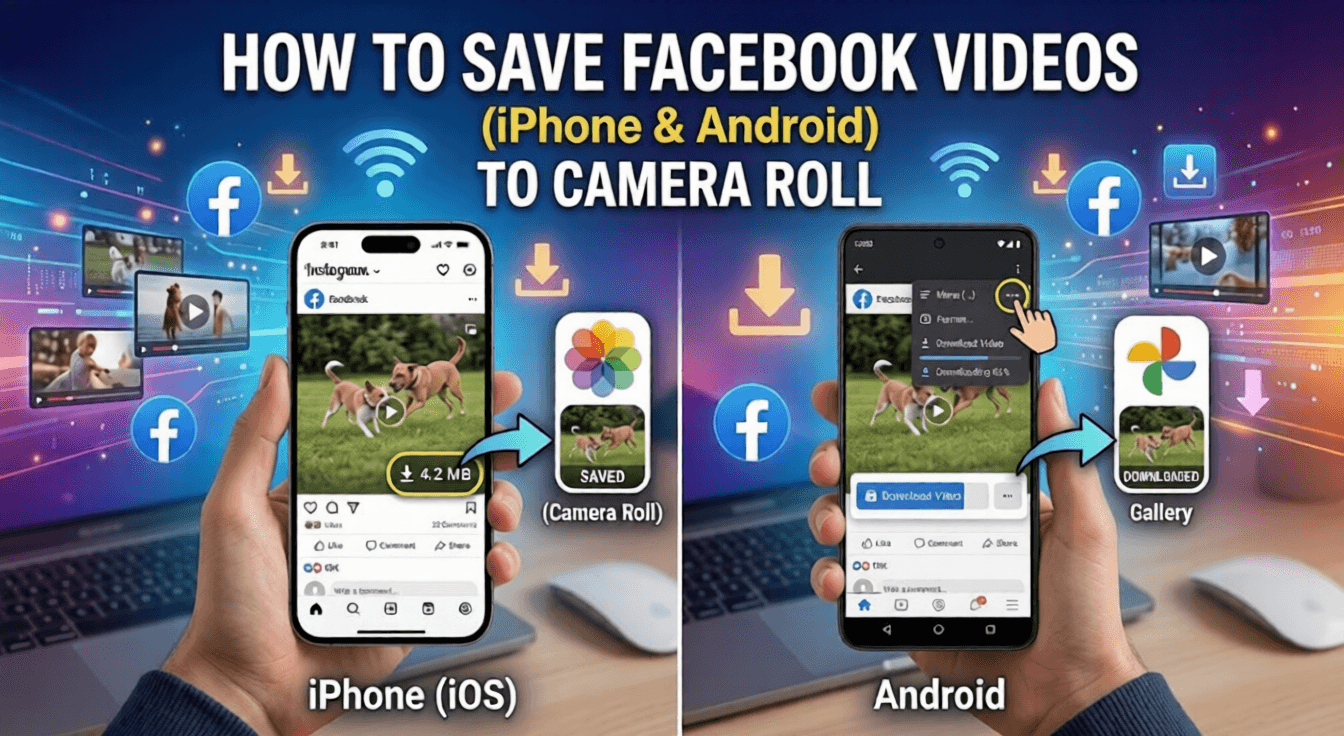
Written by Raja Jahangir (SEO & Growth Specialist). Powered by Auroxa Tech. Last Updated: 12 May 2026
Table of Contents
- Why Facebook Doesn't Have a Download Button
- The Safest Way to Download Facebook Videos
- How to Save Facebook Videos to Camera Roll on iPhone (iOS)
- How to Save Facebook Videos to Gallery on Android
- How to Choose Between HD and SD Quality
- Why You Should Avoid Sketchy Downloader Apps
- Meet the Team Behind FastVidl
- Conclusion
- Frequently Asked Questions
Facebook wants you to stay on their app, so they make it incredibly hard to take videos offline. They want you to share the link with your friends so they have to open the Facebook app to watch it.
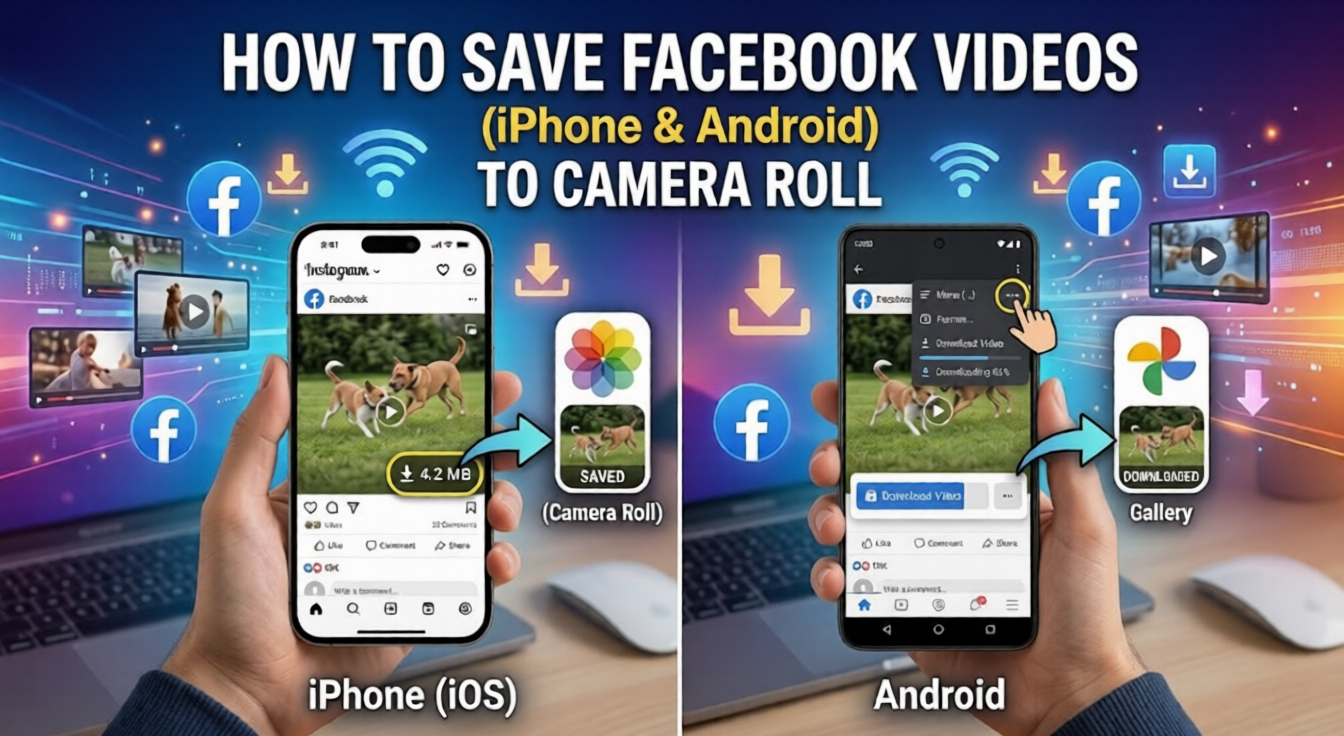
But do not worry, you are not stuck. There is a very easy workaround for this problem. You do not need any technical skills, and you definitely do not need to pay for any premium apps.
In this guide, I will show you exactly how to save Facebook videos directly to your camera roll, whether you are using an iPhone or an Android device. Let's dive right in and get your favorite videos saved.
Why Facebook Doesn't Have a Download Button
It is frustrating when a massive tech company does not include a basic download button. However, there is a very specific business reason behind this decision.
Facebook makes its money through advertisements. The longer you stay inside their app, the more ads they can show you. If they let you download videos directly to your phone, you would watch them offline, and they would lose out on that ad revenue.
Additionally, there are copyright issues. Facebook hosts millions of videos created by independent creators. By restricting downloads, they try to protect the original creators from having their content stolen and reposted elsewhere.
Because of this, we have to use secure third-party tools to get the job done.
The Safest Way to Download Facebook Videos
If you search your phone's app store for a "Facebook Downloader", you will see hundreds of results. Most of these apps are loaded with annoying pop-up ads, and some even ask for your Facebook password.
You should never give your login details to a random app. The absolute safest way to download a video is by using a secure, web-based tool right in your phone's browser.
Using a browser tool means you do not have to install anything. It takes zero storage space on your phone, and it is entirely private. You just copy the link, paste it, and download your video.
Sometimes, even when the file transfers smoothly into your device's media folder, you might encounter encoding anomalies during local playback. If you open your freshly saved media only to realize the audio track is missing, head over to our troubleshooting guide on why does my downloaded Facebook video have no sound to resolve it instantly.
How to Save Facebook Videos to Camera Roll on iPhone (iOS)
Apple devices are known for being very secure, which means their file system is a little bit strict. However, saving a video to your iPhone camera roll is still a very quick process once you know the steps.
Here is exactly how to do it:
- Find the Video: Open your Facebook app and find the video you want to save.
- Copy the Link: Tap the Share button at the bottom of the video. In the menu that pops up, tap Copy Link.
- Open Safari: Close Facebook and open the Safari browser on your iPhone.
- Paste the Link: Head over to our free FastVidl Facebook Downloader. Paste the link you just copied into the big search box and hit the download button.
- Download to Files: The video will start downloading. On an iPhone, downloads go to your "Files" app first, not directly to your Photos app.
- Move to Camera Roll: Open your iPhone's Files app and go to the "Downloads" folder. Tap on your new video to open it. Finally, tap the Share icon in the bottom corner and select Save Video.
That's it! Your video is now sitting in your iPhone's Photos app, ready to be watched offline or sent to your friends.
How to Save Facebook Videos to Gallery on Android
If you are using an Android phone, this process is even easier. The Android operating system is much more open, so files download directly to your main gallery without any extra steps.
Follow these easy instructions for your Android device:
- Grab the Video Link: Open the Facebook app. Tap the three little dots in the top right corner of the video (or tap the Share button) and select Copy Link.
- Open Google Chrome: Go to your home screen and open Google Chrome or your favorite web browser.
- Use the Downloader: Go to the FastVidl Facebook Downloader. Paste your copied Facebook link into the white input box.
- Hit Download: Tap the download button. You might be asked to choose your video quality.
- Check Your Gallery: The MP4 file will automatically download to your phone.
You can pull down your notification bar to see the download progress. Once it finishes, simply open your Android Gallery or Google Photos app, and the video will be right there in your "Downloads" folder.
How to Choose Between HD and SD Quality
When you use a good browser tool, you will usually get two options: SD (Standard Definition) and HD (High Definition). Which one should you pick?
If you are downloading a video just to watch it once or send it in a quick text message, pick SD. Standard definition files are much smaller. They download instantly and will not eat up your phone's storage space.
If you are downloading a video because you want to edit it, post it on your own page, or watch it on a big screen, always choose HD. High-definition videos look crisp and professional, though they will take up a bit more space on your memory card.
Why You Should Avoid Sketchy Downloader Apps
I mentioned this earlier, but it is worth repeating. Please do not download random software to save social media videos. Many free apps in the app stores are poorly coded. They run constantly in the background of your phone, draining your battery and slowing down your other apps. Even worse, some of them are designed to steal your data.
If an app ever asks you to "Log in with Facebook to download", delete it immediately. There is absolutely no reason a downloader needs to see your private account information. Stick to web tools that only require a public URL.
To ensure saved videos are in the best quality before saving, read why Facebook videos are blurry after uploading.
For saving Facebook Live streams specifically, see how to download Facebook Live videos after they end.
Meet the Team Behind FastVidl
FastVidl was built by a dedicated team focused on modern video downloading workflows. By combining technical precision with search expertise, we keep the platform fast, secure and free.
Raja Jahangir: SEO & Growth Expert — Bringing 3 years of SEO experience, Raja helps keep FastVidl user-centric and privacy-focused. View Author Profile Powered by Auroxa Tech.
Conclusion
Not being able to save your favorite Facebook videos is annoying, but getting around this restriction is incredibly easy. Whether you are Team iPhone or Team Android, all you need is the video's link and a good web browser. By using a secure online tool, you can build a collection of your favorite funny clips, tutorials, and memories right on your phone's camera roll.
Next time you see a great video on your feed, you will know exactly how to save it in less than sixty seconds. Happy downloading!
For public Facebook videos and reels, try the Facebook video downloader.
Frequently Asked Questions
Is it legal to download Facebook videos?
Yes, it is legal to download Facebook videos for your own personal, offline viewing. However, it is against copyright rules to download someone else's video and re-upload it as your own content to make money. Always respect the original creator's work.
Why does the video play in my browser instead of downloading?
Sometimes, depending on your browser settings, tapping "Download" will just open the video in a new tab. If this happens, simply long-press (tap and hold your finger) on the playing video. A menu will pop up allowing you to tap "Download Video".
Does this method work for Facebook Reels too?
Absolutely! Facebook Reels use the exact same link structure as regular videos. Just tap the share button on the Reel, copy the link, and paste it into the downloader tool just like normal
Why does the tool say my Facebook link is invalid?
This usually happens if the video you are trying to download is set to "Private". If the person who posted the video only allows their friends to see it, the downloader tool cannot access it. Web downloaders only work on public videos.
Have more questions? Visit our complete FAQ page.